Cozy World
A Flutter app that helps a couple stay close: counters for the dates that matter, a daily message, flip cards and a photo history. The app is written by hand, no AI; its Telegram content bot was built with AI help.
The problem
Cozy World is a small shared space that helps a couple stay connected day to day. It is also my proof that I can design and build a Flutter app on my own, with no AI-generated code.
How it works
The home screen counts the time since the dates that matter to the couple, and a new supportive message waits every day. Longer notes are cards you flip and mark as read, and shared photos swipe like a deck. New messages come from a Telegram bot, so no app update is needed.
What I did
Everything: the idea, the product design, the architecture and the app code, written by hand with Clean Architecture, GetX and GraphQL to Supabase. The Telegram bot, a Supabase Edge Function in TypeScript on Deno, was built with AI assistance under my direction.
Status
The app and the bot work together, and both are open source under MIT. I keep adding to them; the latest addition is a nutrition diary with a state journal.
- Role
- Author and solo developer
- Period
- 2026 – now
- Status
- Work in progress
- Stack
- Flutter, Dart, GetX, Navigator 2.0, Ferry, GraphQL, Supabase, PostgreSQL, Lottie, TypeScript, Deno, Supabase Edge Functions, Telegram Bot API, GitHub Actions
Key features
- Live counters of the time since the dates that matter to the couple
- A new supportive message every day, plus categories of longer notes
- Cards you flip to read and mark as read, so nothing gets lost
- A photo history you swipe through like a deck of memories
- New content comes from a Telegram bot, not from a new app release
- The Flutter app is written fully by hand, with zero AI-generated code
Together
1362 days 00:00:00
Telegram bot
- 📅 Daily message
- Nearest free day: tomorrow. Send the text.
- Good morning! Coffee is on me today ☕
- Saved. The calendar is filled up to tomorrow.
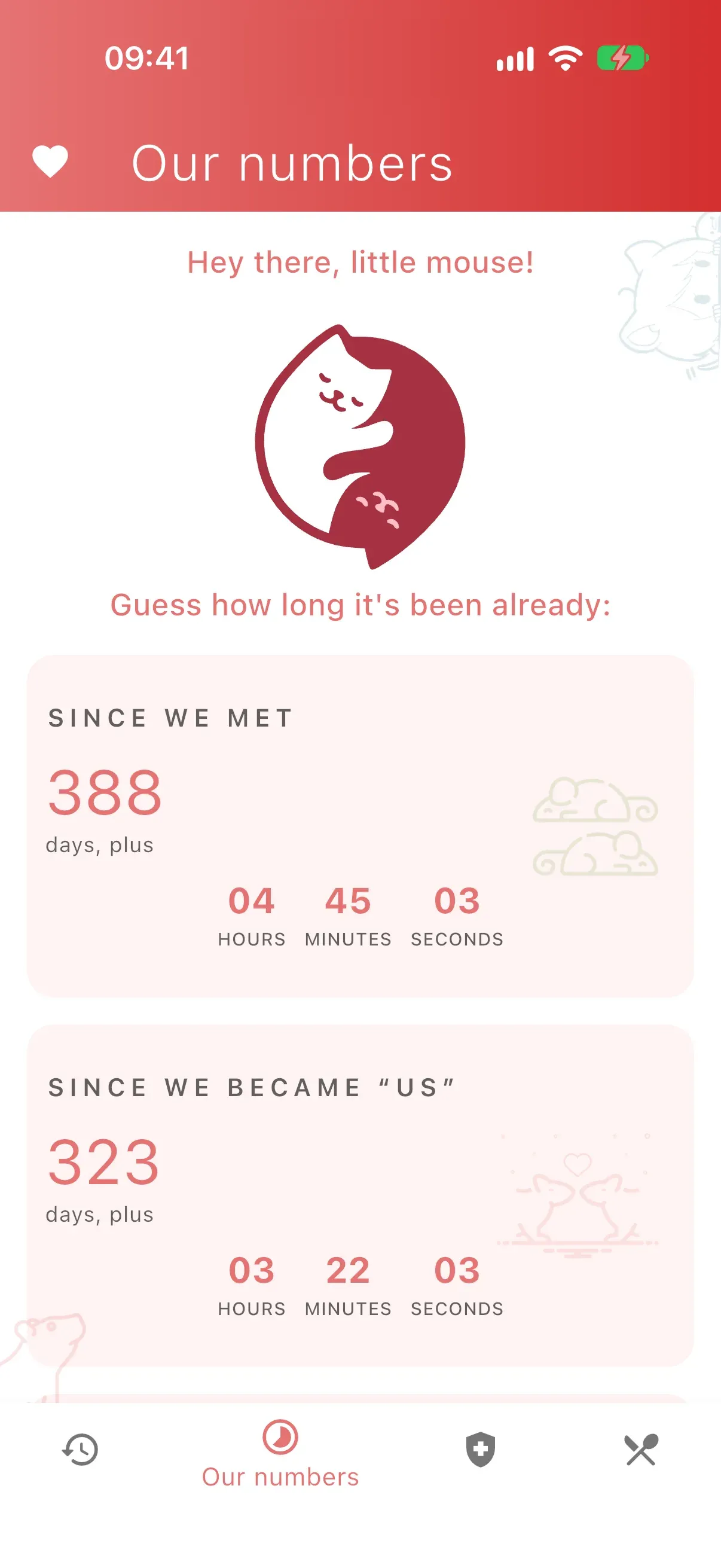
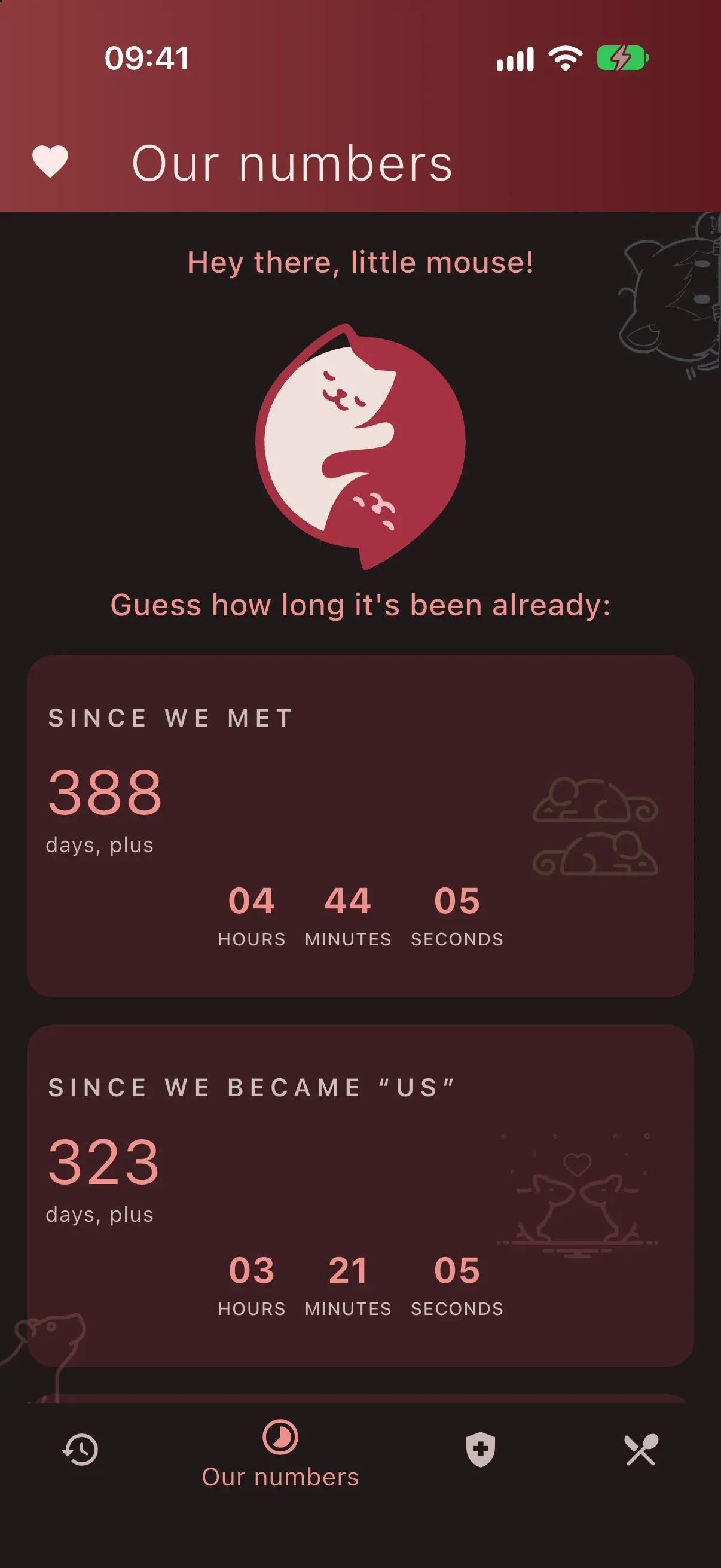
Home: live counters of the time since the dates that matter to the couple.
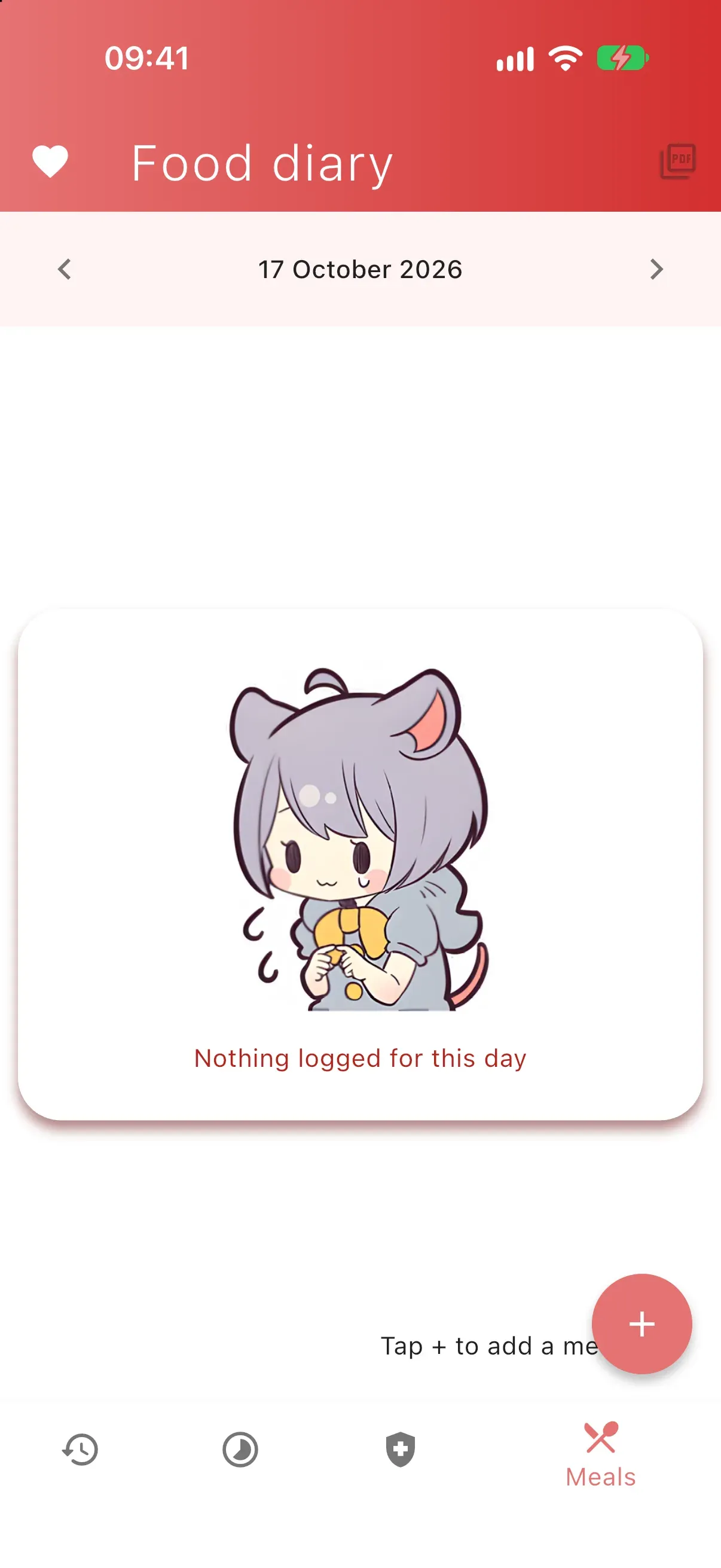
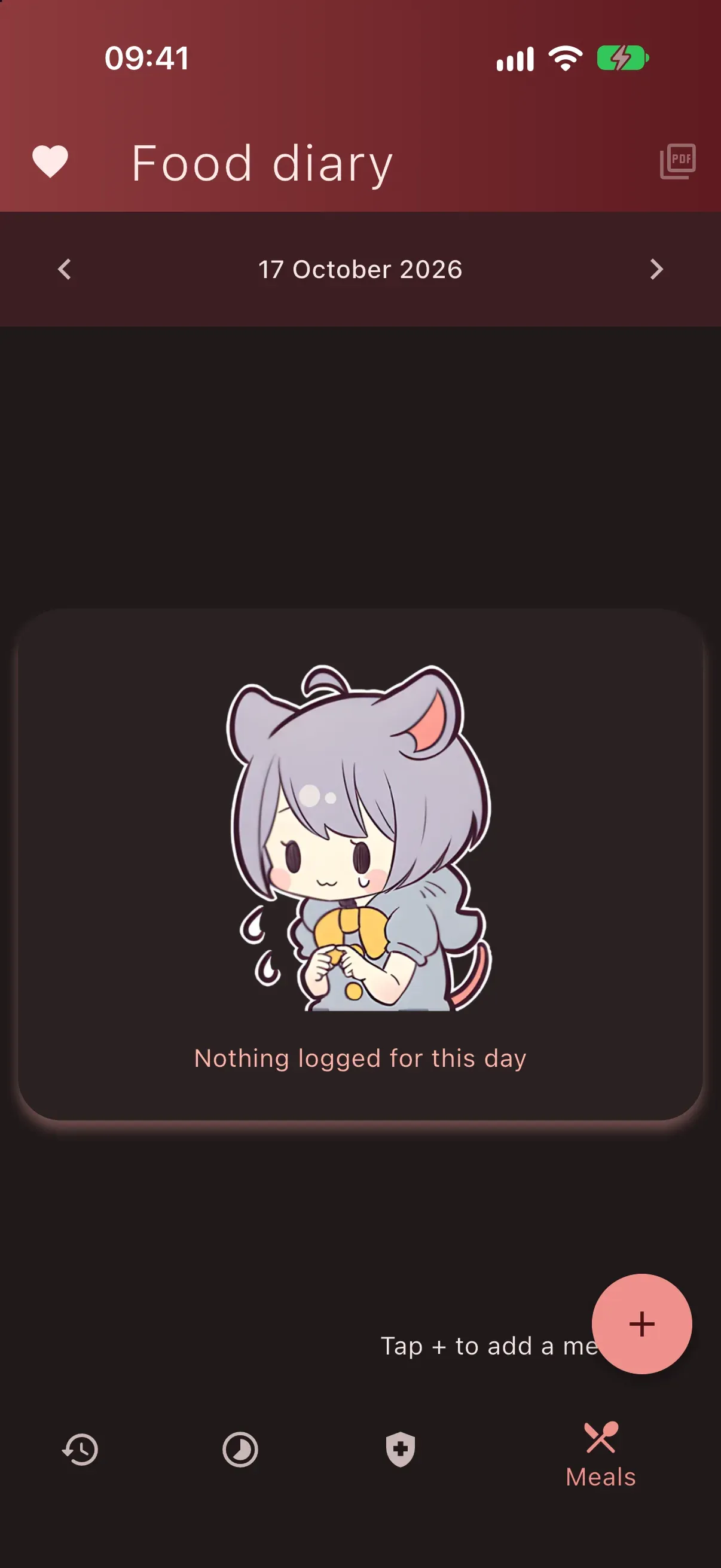
The nutrition diary on an empty day.
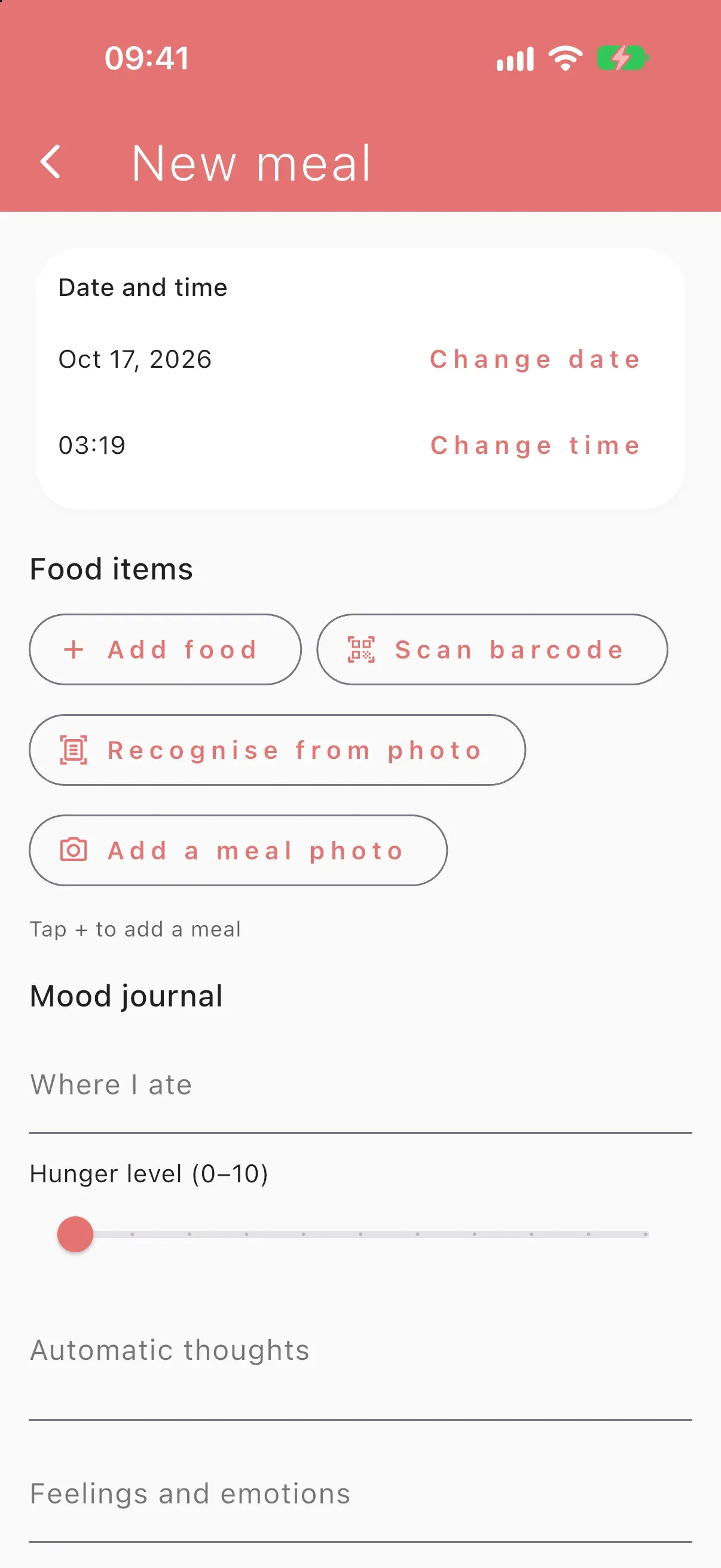
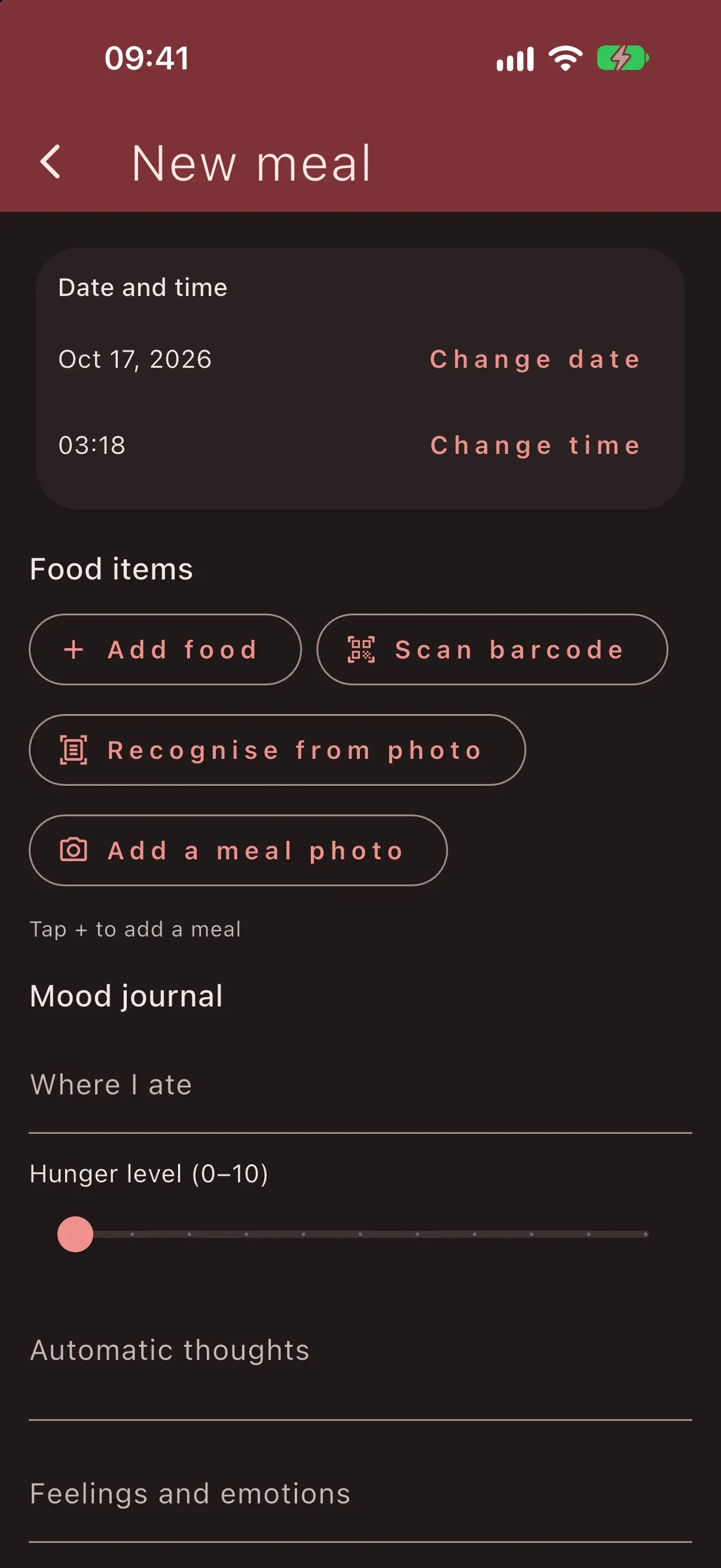
A new meal: add products by hand, by barcode or from a photo.
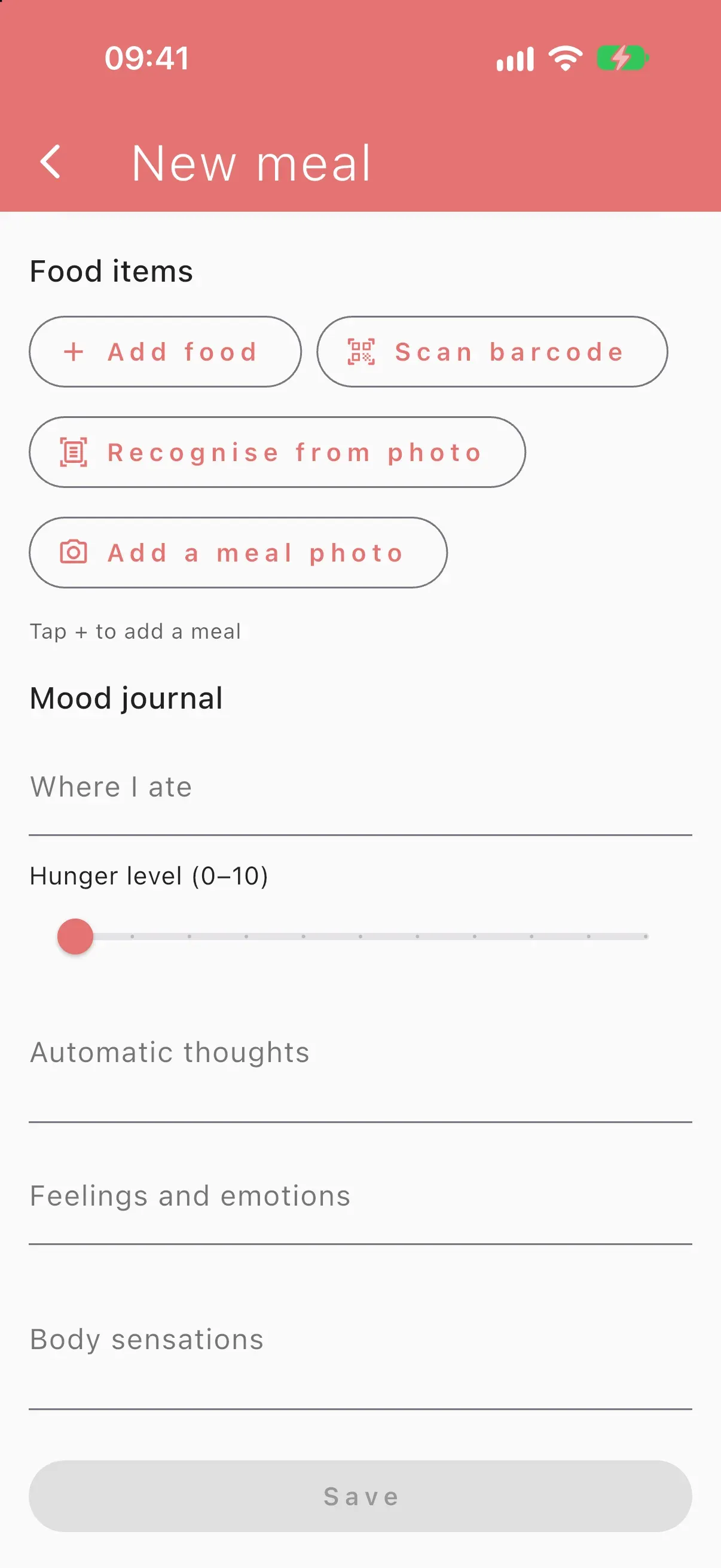
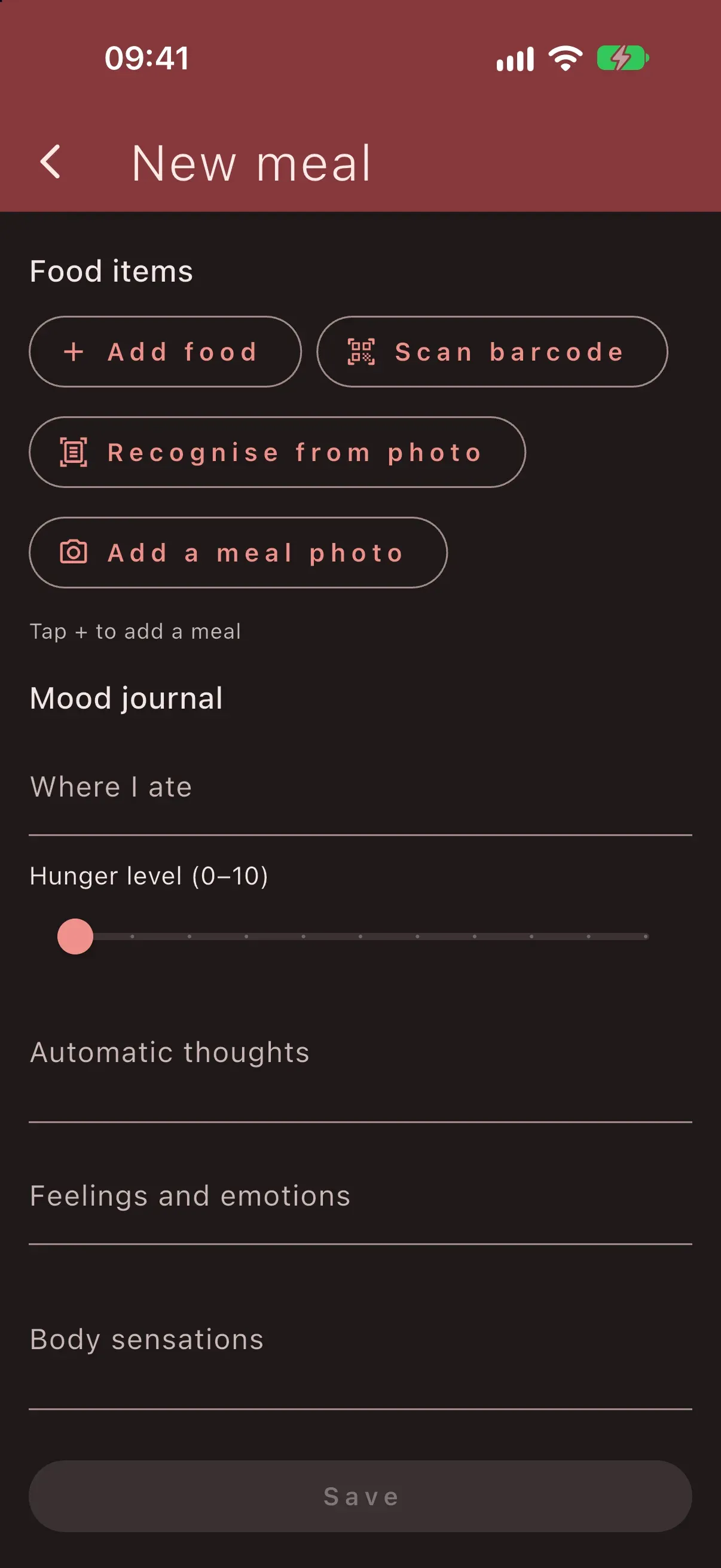
The same form has a mood journal: hunger from 0 to 10, thoughts, feelings and body reactions.
1 / 4 Home: live counters of the time since the dates that matter to the couple.
What it is
Cozy World is a small shared space for two people, made to keep them connected day to day. The first screen counts how long it has been since the dates that matter to the couple, down to the hour, with a little hearts animation. Every day there is a new supportive message waiting. Longer notes live in categories, as cards you flip to read and then mark as read, so the unread ones are easy to find. A history screen lets you swipe through shared photos like a deck of cards.
Nobody has to ship an app update to add a message. The content lives in a database and is managed from a Telegram bot, so writing tomorrow’s message takes one chat conversation.
What I built
A small system of two parts, both open source under MIT.
The Flutter app (repository) is written fully by hand: zero AI-generated code. It shows what I can design and build on my own, without AI, from the architecture to the last widget. The core screens (counter, daily message, categories with flip cards, photo history) sit on a Clean Architecture base with data, domain and presentation layers. Android comes first, and the project builds for all Flutter platforms.
The Telegram bot (repository) is the content tool behind the app. Unlike the app, it was built with AI assistance under my direction. It runs as a Supabase Edge Function in TypeScript on Deno and works through inline buttons:
- Daily message: type the text, and the bot suggests the nearest free day; pick a type (text, video or audio) and confirm.
- Message in a category: pick a category or create a new one, then add the text.
- Edit and delete: paginated lists of daily or category messages, newest first, with a filter for unread categories.
- Cleanup: preview past daily messages, export them to the chat, then delete them.
- Date check: whether today and tomorrow already have a message, and how far ahead the calendar is filled.
Both parts share one Supabase Postgres database. The bot writes messages; the app reads them over GraphQL and writes back only the read flag.
Home: live counters of the time since the dates that matter to the couple.
The nutrition diary on an empty day.
A new meal: add products by hand, by barcode or from a photo.
The same form has a mood journal: hunger from 0 to 10, thoughts, feelings and body reactions.
1 / 4 Home: live counters of the time since the dates that matter to the couple.
Technical highlights
- Clean Architecture by hand. Use cases such as “get today’s message” and “change read status”, repository interfaces in the domain layer, and dependencies registered layer by layer: data, then domain, then presentation. Strings, dates and assets live in separate local packages split into an API and an implementation.
- GraphQL to Supabase through Ferry with generated, typed queries (
build_runner,ferry_generator) against Supabase’spg_graphql. - Fresh data without over-fetching. A small “dirty state” mechanism marks category lists as stale after a read status changes, so only the affected lists reload.
- GetX for state and dependency injection, Navigator 2.0 (Router API) with my own route parser and delegate, including a 404 page and double back to exit.
- Config and secrets from
--dart-define, with a fallback toflutter_secure_storage; local state inget_storage. CI checks every pull request and scans for leaked secrets. - Bot as a state machine. Each chat’s flow and step are stored as JSON in a Postgres sessions table, so the serverless function stays stateless between Telegram updates.
- Secure webhook. The function accepts only POST requests that carry Telegram’s secret token header; everything else is rejected.
- Database does the bookkeeping. A trigger keeps the list of categories in sync with the messages table, so neither the app nor the bot has to maintain it.
- Delivery. The bot has Deno tests, and GitHub Actions runs them before deploying the function to Supabase.
Result
The app and the bot work together, and I keep adding to both: the app now also has a nutrition diary with a state journal. The screenshots come from a debug build in the iOS simulator. The app itself is Russian-only with a light theme; the English and dark versions were rendered from a local copy with translated strings and a dark theme built from the app’s own colours, only for these screenshots.
My role
Everything: the idea, the product design, the architecture and the app code, written by hand. The bot was a deliberate step onto an unfamiliar stack (TypeScript, Deno, serverless), built with AI assistance under my direction.