Tsukiko
Offline dictation and transcription for macOS and Windows. Press a hotkey, speak, and the text appears at your cursor. Speech models run on your own computer.
The problem
Tsukiko is for people who want to dictate and transcribe without sending their voice to the cloud. Speech models run on the computer itself, and the text goes into any app, from an IDE to a chat.
How it works
Hold a hotkey, speak, and the text appears at your cursor; a personal wake phrase can start dictation hands-free. Drop audio or video into the window to get a timestamped transcript, then export it as TXT, Markdown, SRT, VTT or JSON.
What I did
Idea, architecture, implementation and releases: the Flutter desktop app, native system hooks in Swift and C++, speech engines running as separate processes, and the signed release pipeline. Two outside contributors sent fixes, and the mascot character was designed by Feyza.
Status
Open source under MIT, with signed releases for macOS and Windows, and in active development. A change to the dictation queue cut the median time for a short phrase from 2.28 s to 1.35 s on an Apple M5.
- Role
- Creator and lead developer
- Period
- 2026 – now
- Status
- Released
- Stack
- Flutter Desktop, Dart, flutter_bloc, bloc_concurrency, whisper.cpp, NeMo-Speech.cpp, sherpa-onnx, Swift, C++, Metal, Vulkan, FFmpeg, GitHub Actions, Inno Setup
Key features
- Dictation into any app: hold a hotkey, speak, and the text is typed at your cursor or kept on the clipboard, with an optional Enter after it
- Batch transcription of audio and video with export to TXT, Markdown, SRT, VTT and JSON
- Hands-free start and stop with a personal wake phrase, calibrated to your voice
- Custom vocabulary for names and jargon, with hints and automatic replacements
- CLI, a local API and a skill for AI coding agents
- Signed installers for macOS and Windows; nothing leaves the computer


Ship the Windows build tonight and update the release notes.
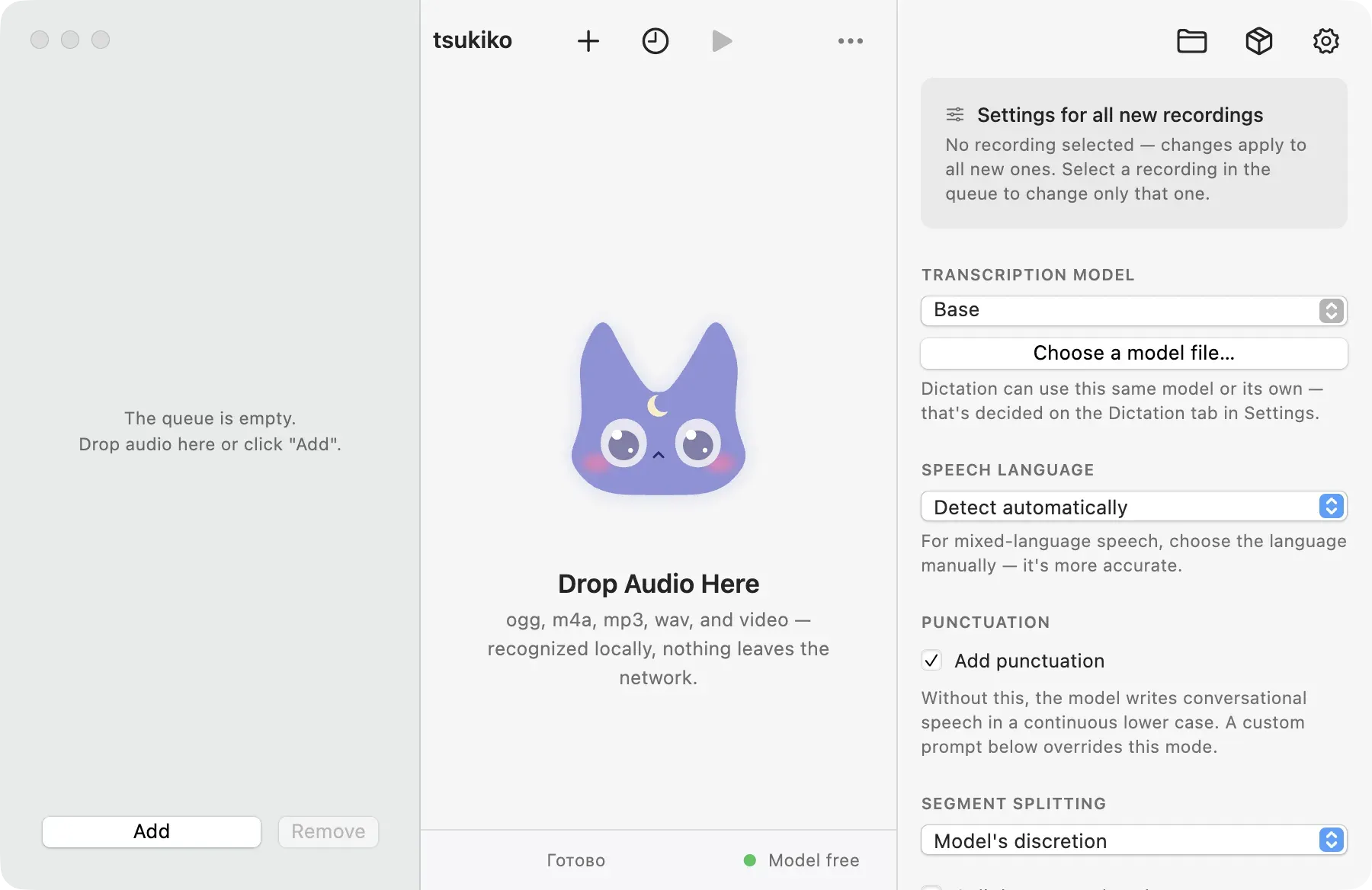
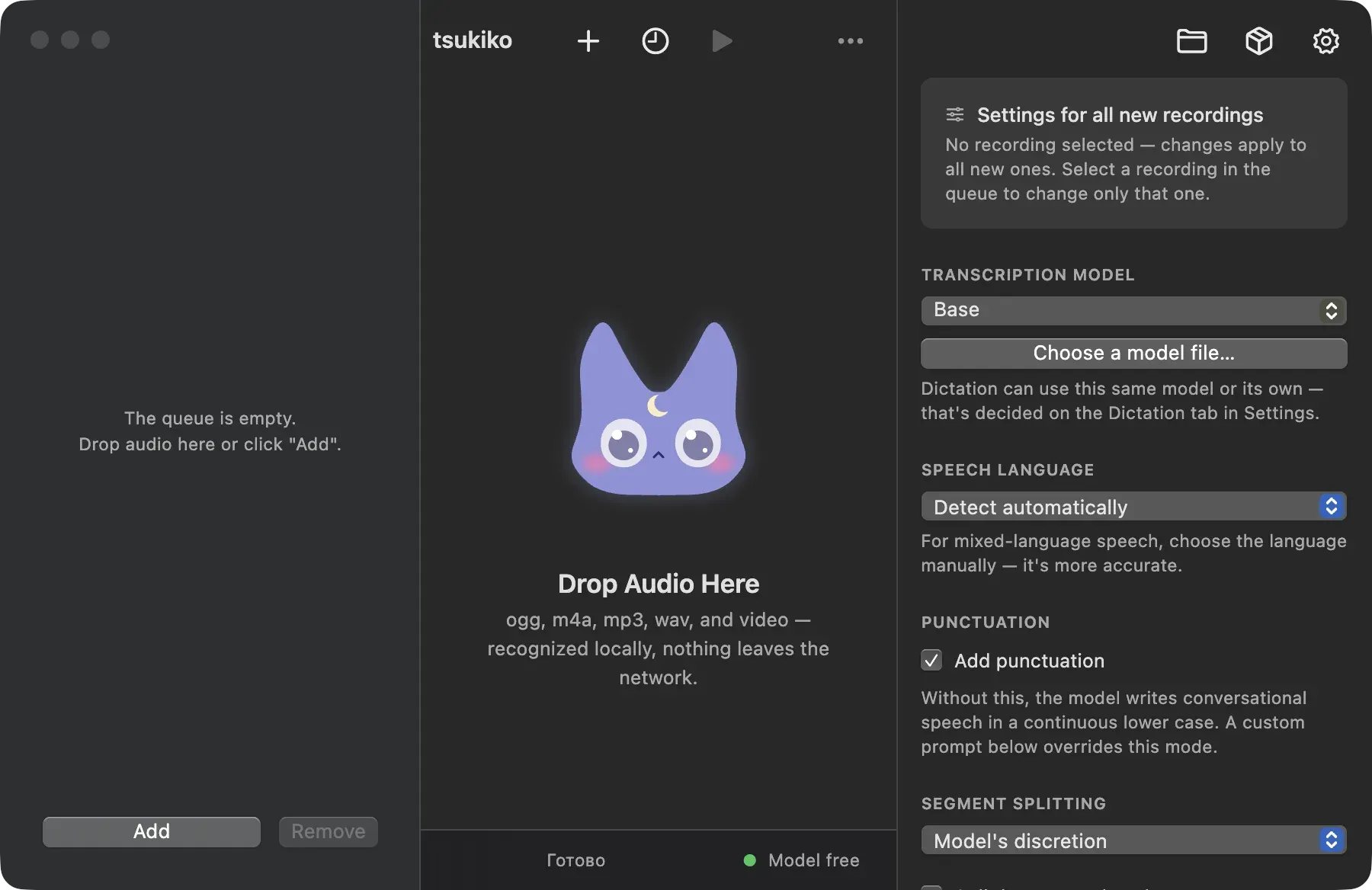
The main window: drop audio or video in the middle, pick the model, language, punctuation and segment splitting on the right.
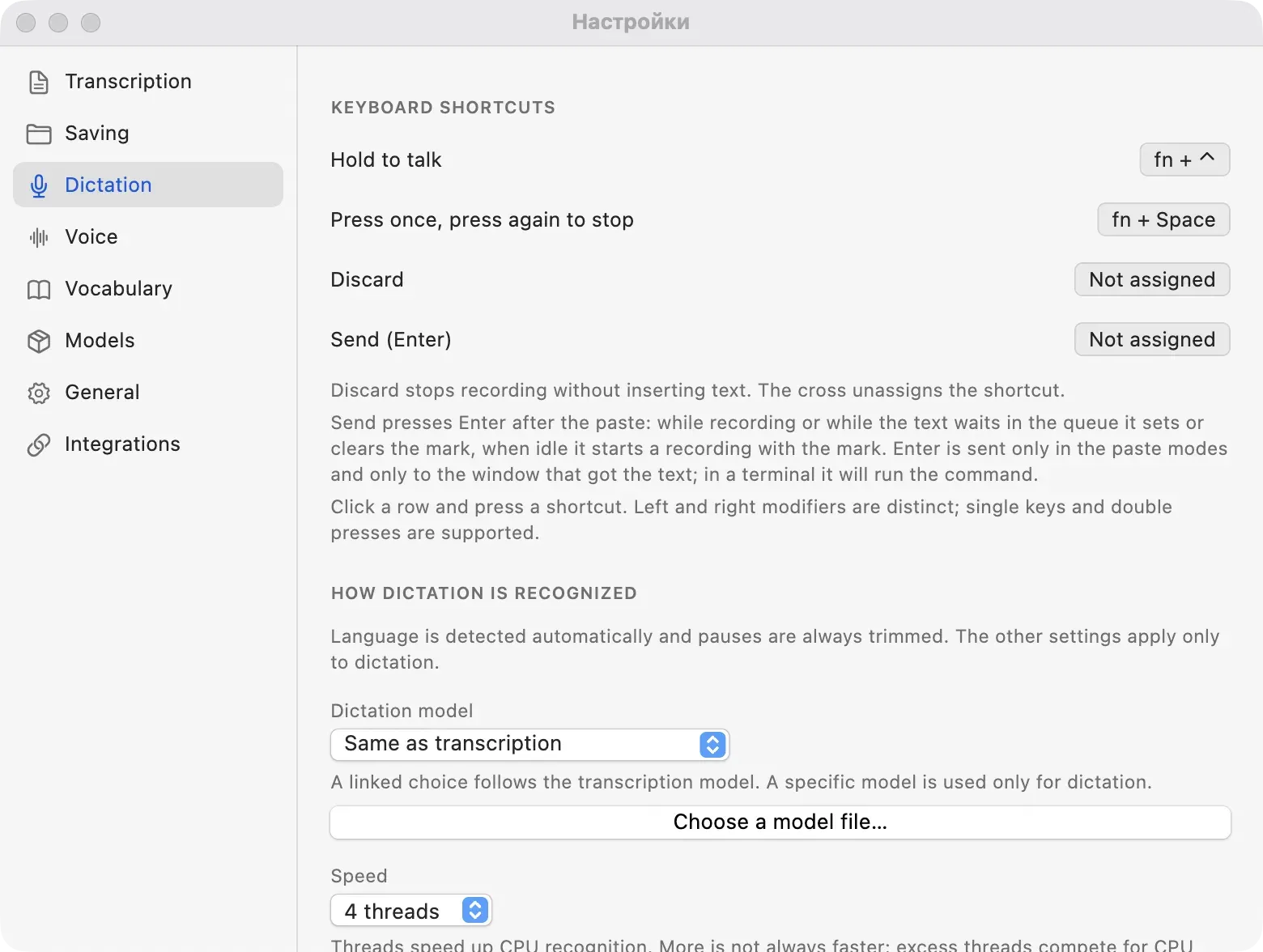
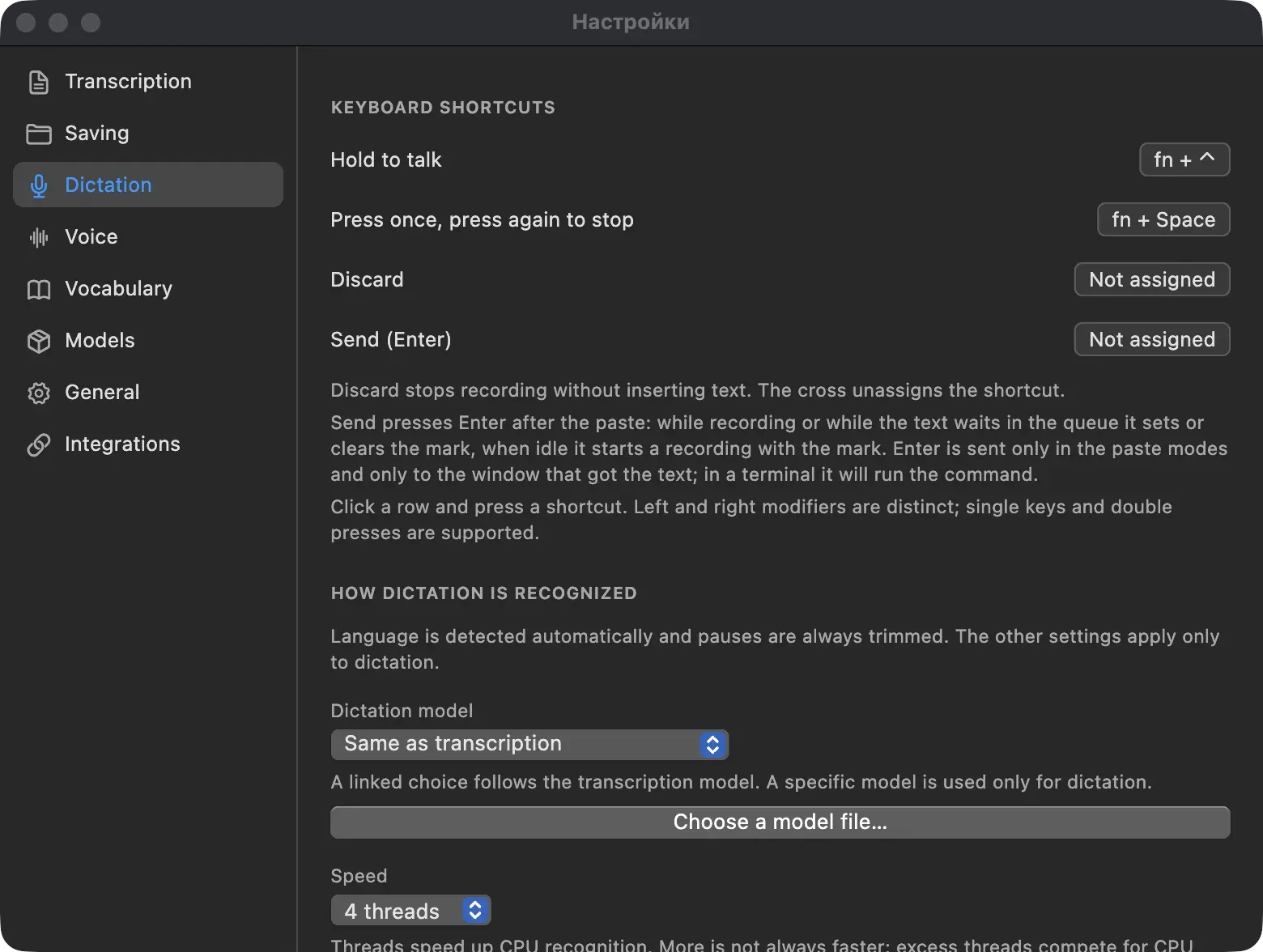
Dictation settings: four shortcuts (hold to talk, toggle, discard, send Enter) and a separate model for dictation.
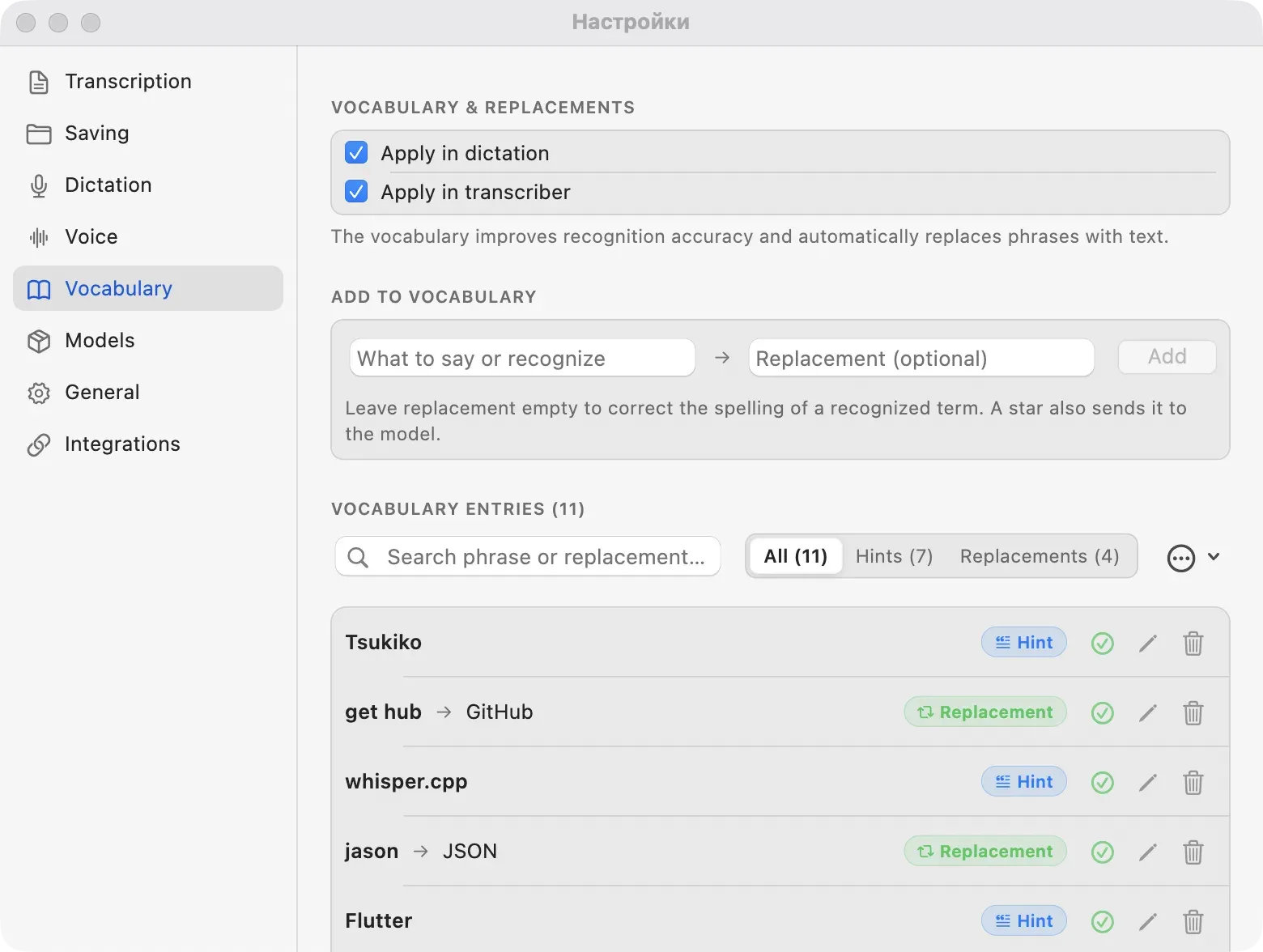
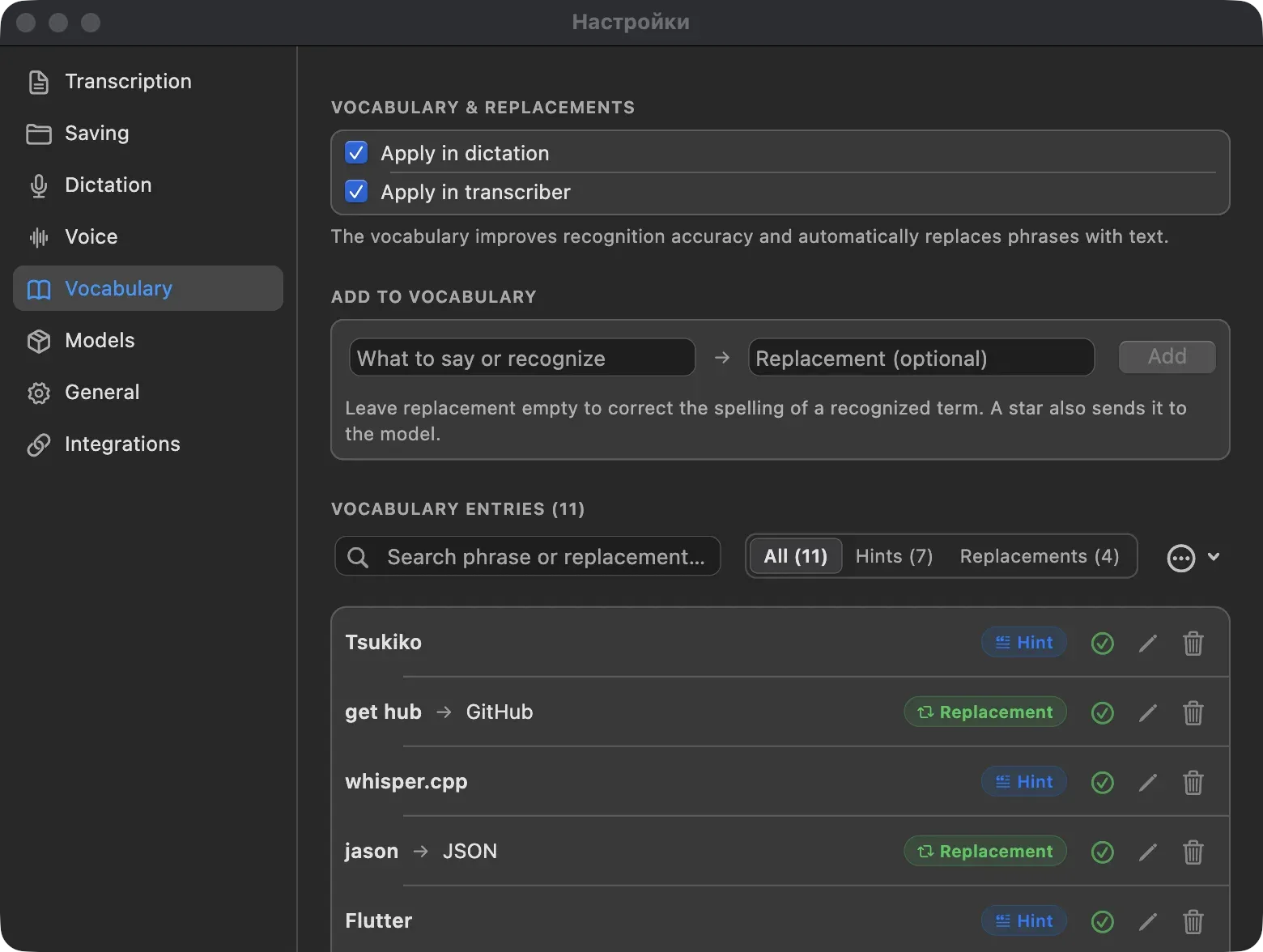
Custom vocabulary: hints help the model hear a term, replacements fix how it is spelled.
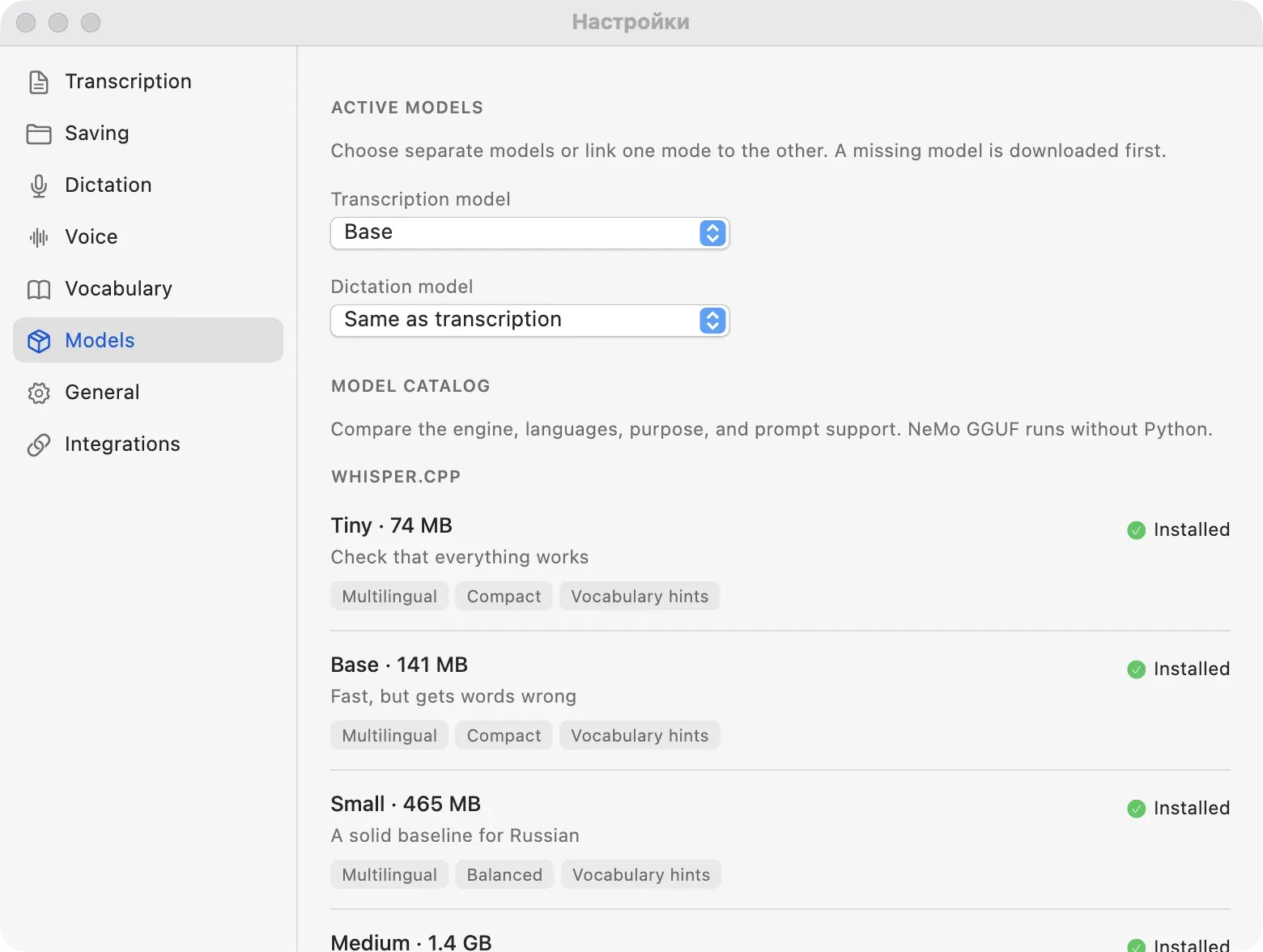
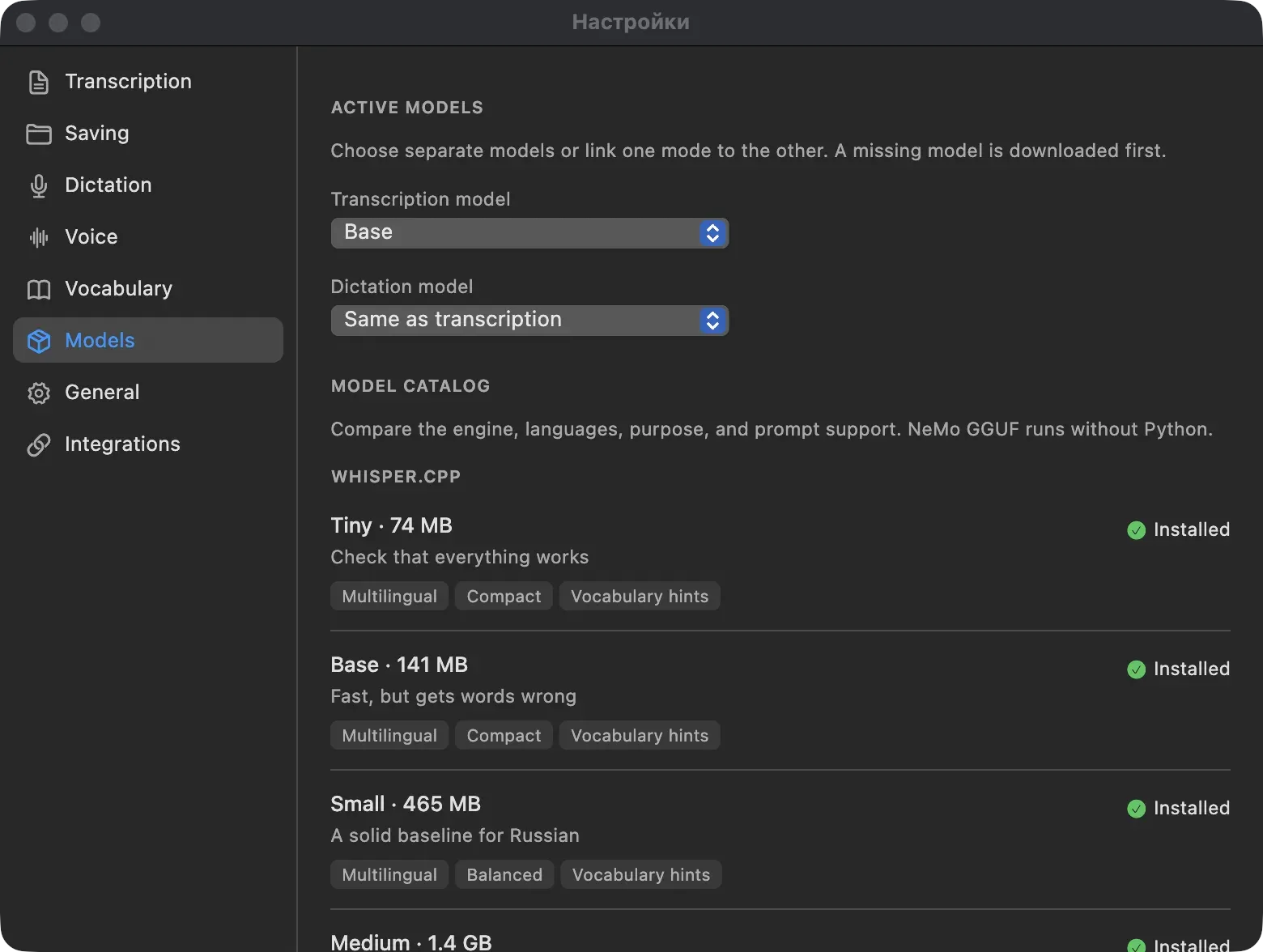
Model catalog: whisper.cpp and NeMo models with size, purpose and language tags, downloaded on demand.
1 / 4 The main window: drop audio or video in the middle, pick the model, language, punctuation and segment splitting on the right.
What it is
Tsukiko turns speech into text without sending anything to the cloud. Press a hotkey in any app, talk, and the words are typed where your cursor is: an IDE, a browser, a chat. A floating indicator shows that it is listening, and you can start the next phrase while the previous one is still being recognized.
The same app transcribes files. Drop audio or video into the window, choose the engine, model and language, and get a transcript split into timestamped segments. Each segment can be played back, and the result exports as TXT, Markdown, SRT, VTT or JSON. A wake phrase starts dictation hands-free, and a custom vocabulary teaches it your project names and jargon.
What I built
A desktop app for macOS and Windows built around open-source speech engines:
- a file queue with a transcript inspector and per-recording settings;
- system-wide dictation with a floating HUD in four styles, from a full waveform panel to a hidden mode;
- a wake-phrase detector with guided voice calibration;
- a dictation history that survives restarts, and a choice of how the text arrives: inserted, inserted and kept on the clipboard, or clipboard only;
- speaker separation for recordings with several voices;
- an animated moon cat that shows the app state (idle, listening, working), drawn in code;
- a
tsukiko-transcribeCLI, a local API and an agent skill; - signed installers and an automated release pipeline for both systems.
The main window: drop audio or video in the middle, pick the model, language, punctuation and segment splitting on the right.
Dictation settings: four shortcuts (hold to talk, toggle, discard, send Enter) and a separate model for dictation.
Custom vocabulary: hints help the model hear a term, replacements fix how it is spelled.
Model catalog: whisper.cpp and NeMo models with size, purpose and language tags, downloaded on demand.
1 / 4 The main window: drop audio or video in the middle, pick the model, language, punctuation and segment splitting on the right.
Technical highlights
- Engines out of process. whisper.cpp and NeMo-Speech.cpp (Conformer GGUF models) ship as separate native binaries. The Flutter UI talks to them over IPC and a local HTTP server, so heavy inference stays out of the UI process.
- Multi-engine Flutter desktop. The main window, the menu bar or tray popover and the floating recording HUD run as separate Flutter engines in one process.
- System-wide input.
CGEventTapand Accessibility APIs on macOS (Swift),WH_KEYBOARD_LLandSendInputon Windows (C++), wired through platform channels. - Wake phrase. My own keyword spotter: 13-band MFCC with dynamic time warping, a guided four-step calibration and an impostor sample to reject similar words.
- Custom vocabulary. Terms go into Whisper’s
initial_promptwithin a token budget; a fuzzy replacer fixes common homophones afterwards. - Dictation queue. Reusing the encoder output from language detection cut the median time for a short phrase from 2.28 s to 1.35 s on an Apple M5.
- Hardware acceleration. Metal on Apple Silicon and Vulkan on Windows, with automatic fallback to CPU.
- For developers. The CLI hands its job to the running app over IPC, so the model is not loaded twice. The local REST and WebSocket API on
127.0.0.1requires a bearer token.
Result
Open source under MIT, with signed releases for macOS and Windows: a universal DMG signed with an Apple Developer ID and a Windows installer that checks for Vulkan and falls back to CPU. GitHub Actions builds every release and runs a regression test against the real bundled engines. The app is in active development.
My role
Idea, architecture, implementation and releases. Two outside contributors sent fixes for Windows and macOS edge cases. The moon cat character was designed by the artist Feyza; the animated cat in the app is now drawn in code from her sheets.
Measured
- 1.35 sMedian recognition time for a short phrase in the dictation queue, large-v3-turbo on Apple M5 (was 2.28 s) (source)