Shopping Assistant
An AI nutrition assistant for the grocery store: point the camera at a product, a barcode or a label and get nutrition facts, warnings for your allergens and diet, storage tips and recipe ideas. BSUIR team project.
Closed source
git clone shopping-assistantAccess denied: the repository is private.Ask me for a demoThe problem
In a shop you want to know quickly whether a product fits your diet and is safe with your allergies, and the label alone rarely gives a fast answer. Shopping Assistant reads the product and checks it against your own nutrition profile.
How it works
Take a photo, scan the barcode, photograph the ingredients label or type a name, and get a card with calories, macros, storage tips and recipe ideas. Your allergens, diets and calorie goal go into every request, and a red banner warns you when the product matches an allergen.
What I did
Co-authored with Vladislav Vasilevskiy and Vyacheslav Miksha as a BSUIR team project. The Flutter app has no backend of its own: barcodes are looked up in Open Food Facts, and photos go to AI models through a cascade of providers with quotas, a shared time budget and circuit breakers.
Status
In stabilization: a defect audit, the fixes and the tests are done, and checks on physical devices and iOS builds come next. The code is private because it belongs to a university project.
- Role
- Co-author (team project at BSUIR)
- Team
- Roman Rynda, Co-author
- Vladislav Vasilevskiy, Co-author
- Vyacheslav Andreevich Miksha, Co-author
- Period
- 2026
- Status
- Work in progress
- Stack
- Flutter, Dart, flutter_bloc, get_it, go_router, dio, camera, mobile_scanner, flutter_secure_storage, Open Food Facts API, Gemini, OpenRouter, Groq, Cloudflare AI
Key features
- Recognize food four ways: a photo, a barcode, a photo of the ingredients label, or just its name
- A nutrition profile with your allergens, diets and daily calorie goal that the AI takes into account
- A red warning when a product or its ingredients match one of your allergens
- Recipe ideas for every product, with a cooking timer and missing ingredients sent to the shopping list
- Side-by-side comparison of two products, history with search, favorites and a shopping list
- Every card says where its data came from and never makes up a number it does not know
- Gemini: limit reached
- OpenRouter: ok
Oat cookies
Sample dataAI estimate from a photo, Sweets and snacks
- kcal
- 450
- Protein
- 6.5 g
- Fat
- 18 g
- Carbs
- 64 g
- Sugars
- —
! Gluten: in your allergen list
May contain nuts (not in your list)
- Vegetarian: yes
- Vegan: no
- Gluten-free: no
- Keto: no
- Halal: depends
+ Oats add fibre.
− High in sugar and fat: 450 kcal is about a fifth of your 2000 kcal day.
- Yogurt parfait with cookie crumble10 min, easy, 2 servings
- Baked apples with oat topping35 min, easy, 4 servings
Goes with: milk, kefir, berries
AI diet notes are not a certification. Check the label.
Oat cookies
Sample dataOpen Food Facts, per 100 g
- kcal
- 450
- Protein
- 6.5 g
- Fat
- 18 g
- Carbs
- 64 g
- Sugars
- —
! Allergens: gluten, matches your profile. May contain nuts.
Unknown values show as a dash, never a fake zero.
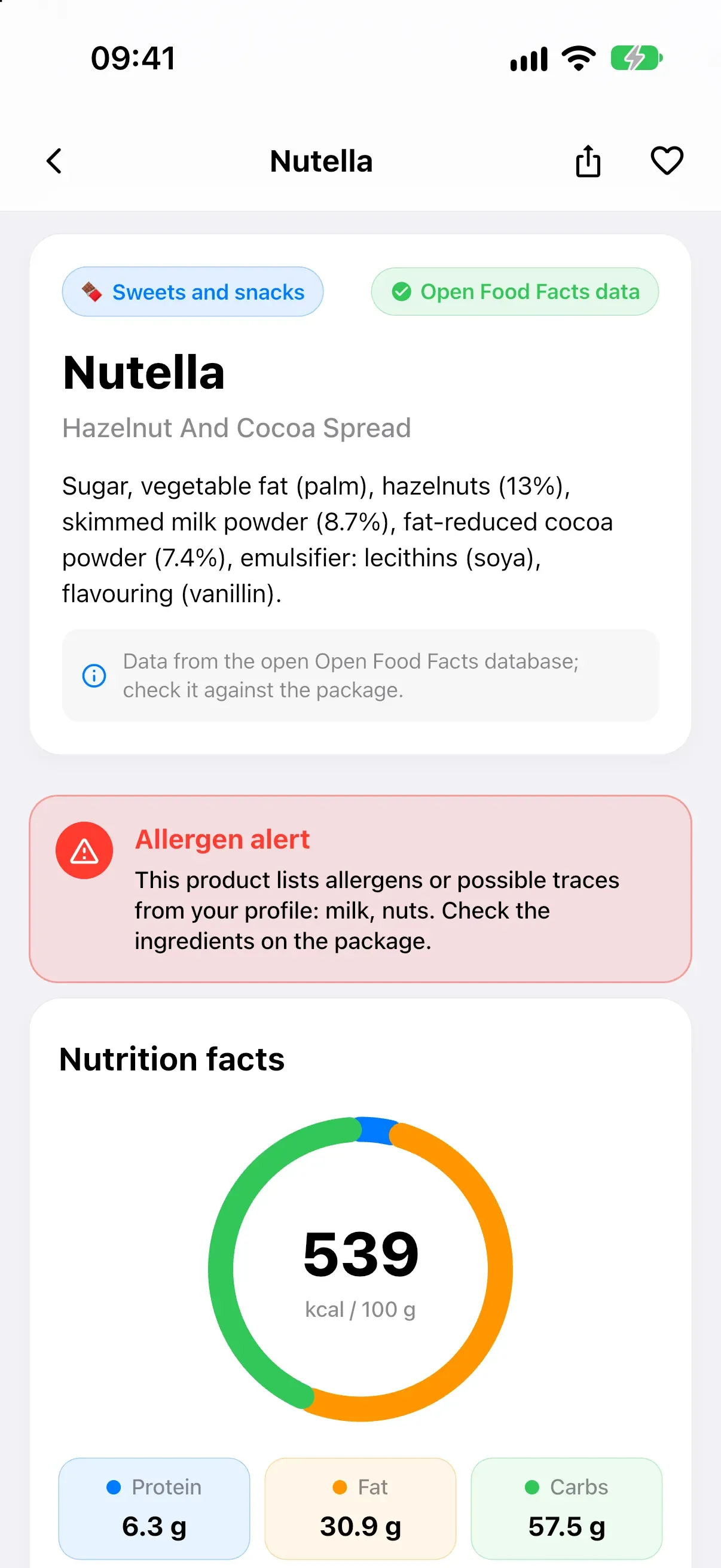
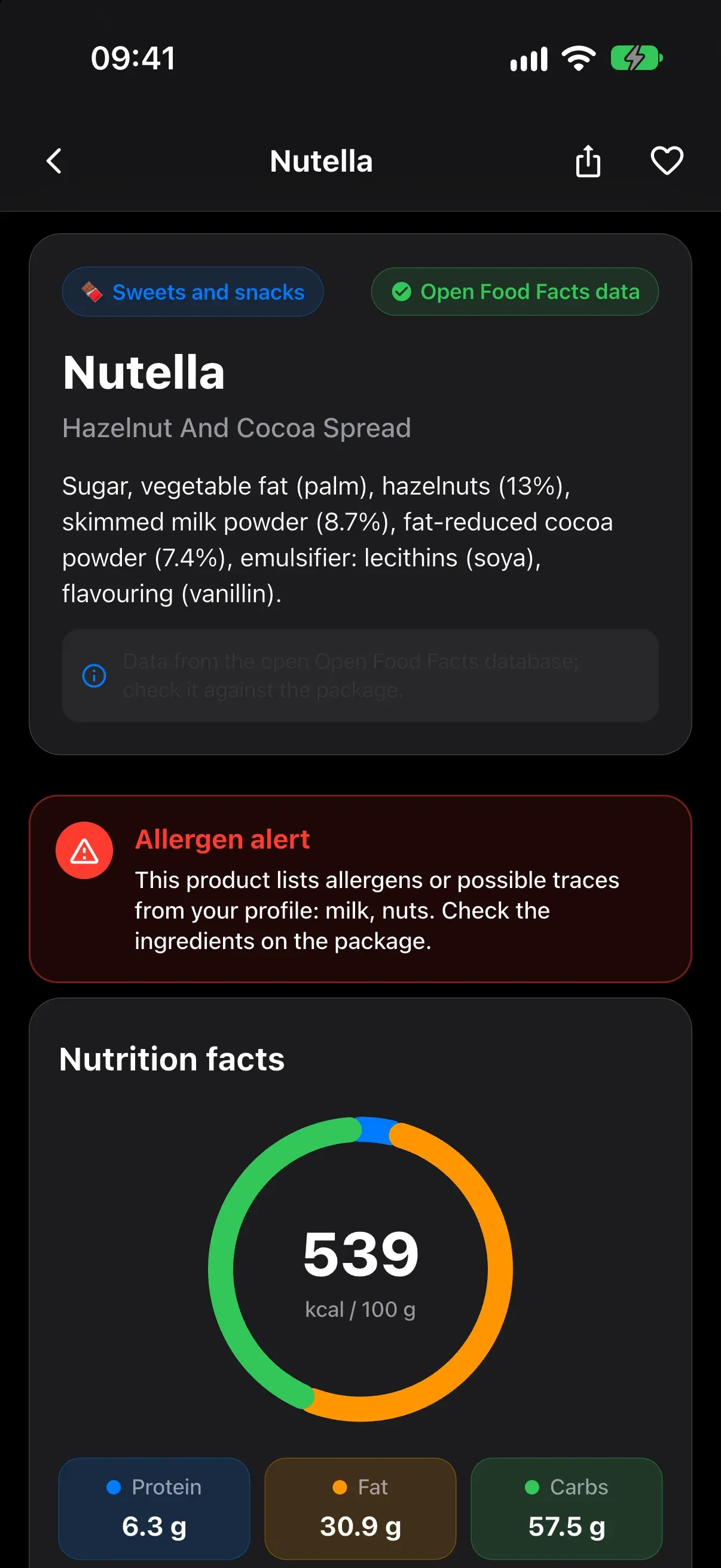
A product card: the data source on top, a red alert when the product matches your allergens, and calories at a glance.
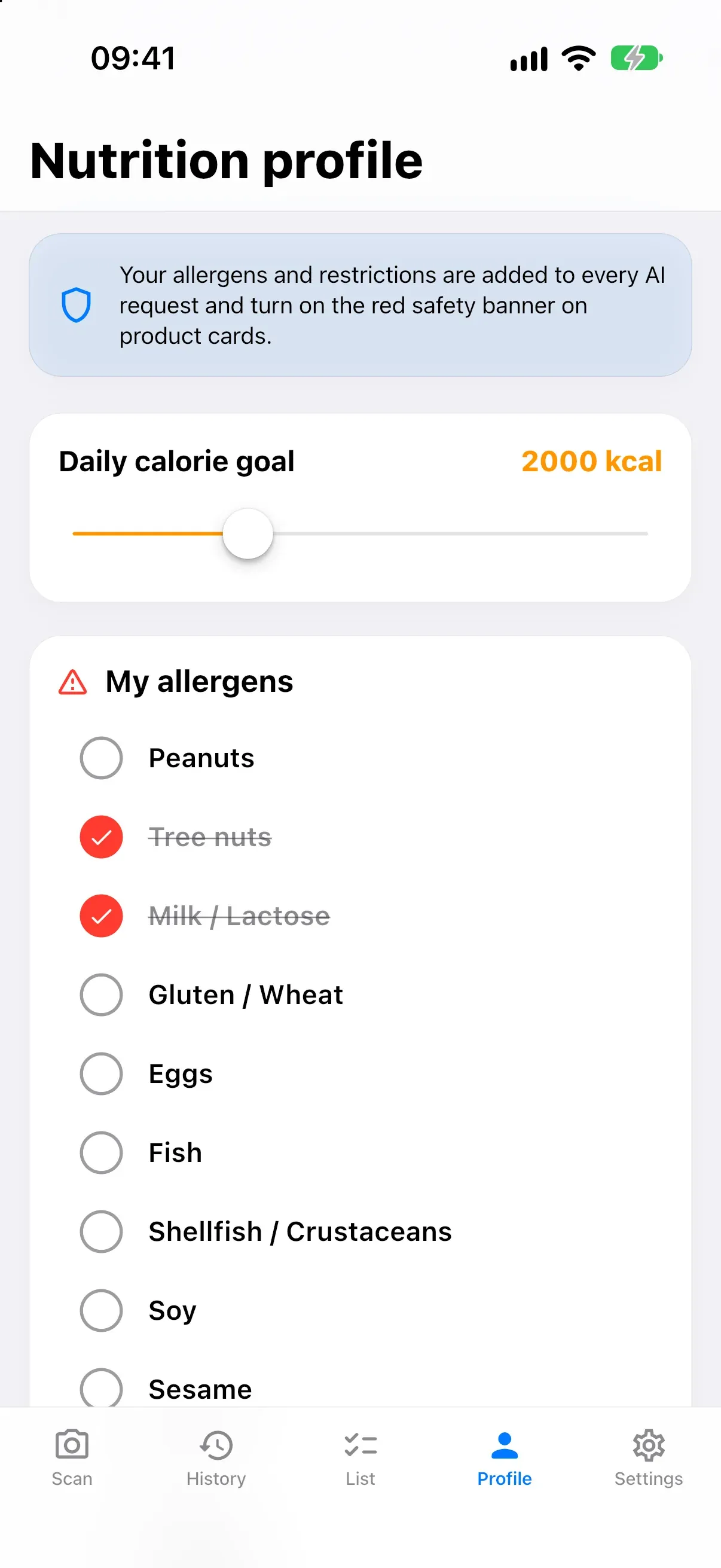
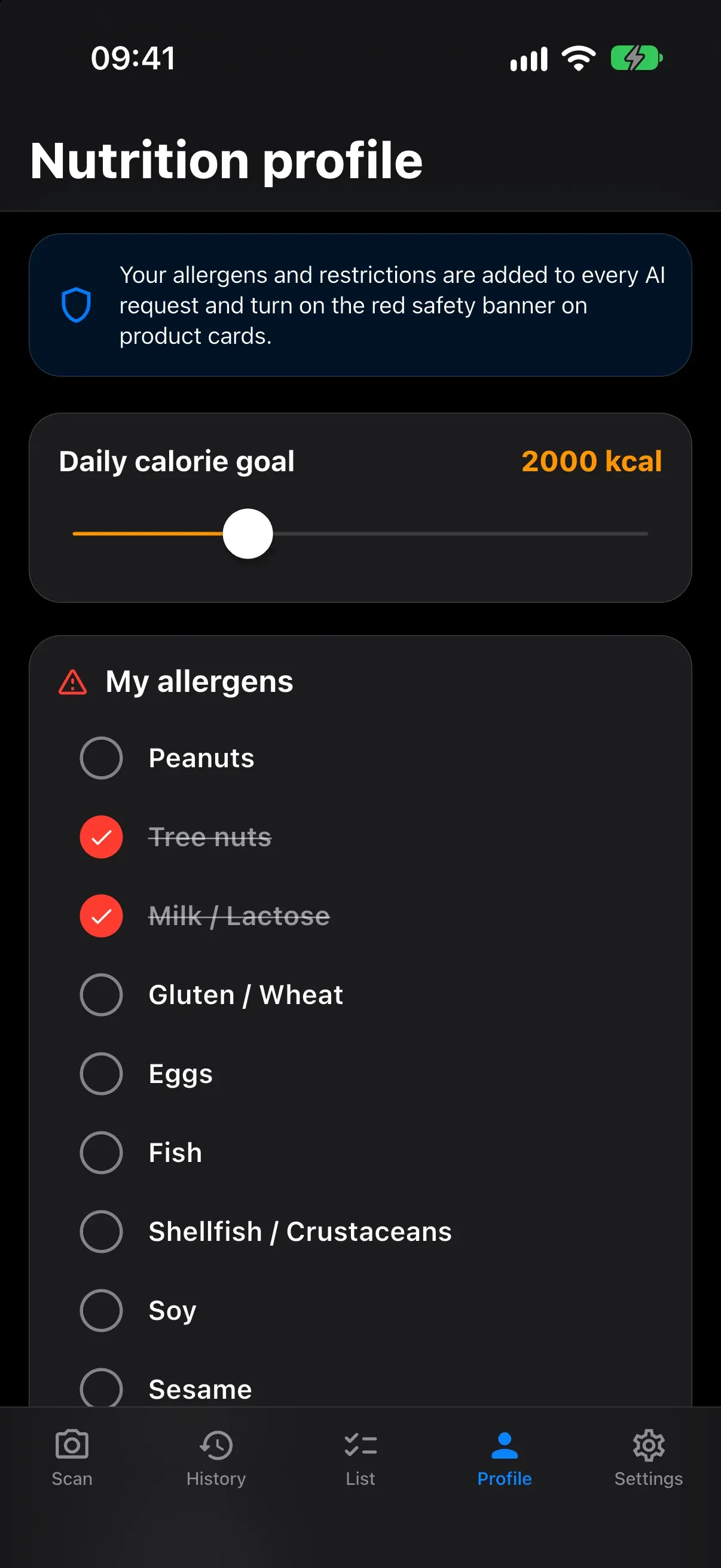
The nutrition profile: allergens, diets and a calorie goal go into every AI request and switch on the red safety banner.
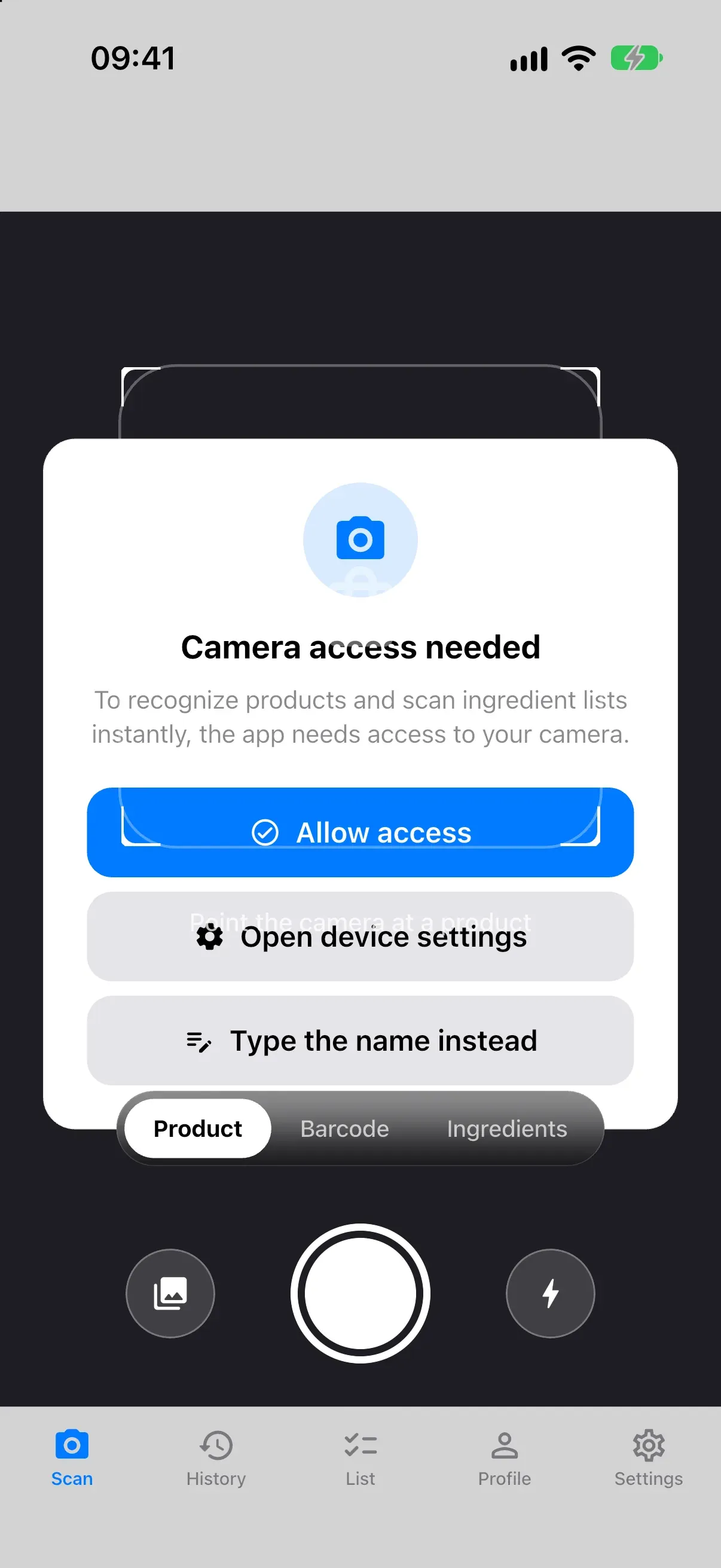
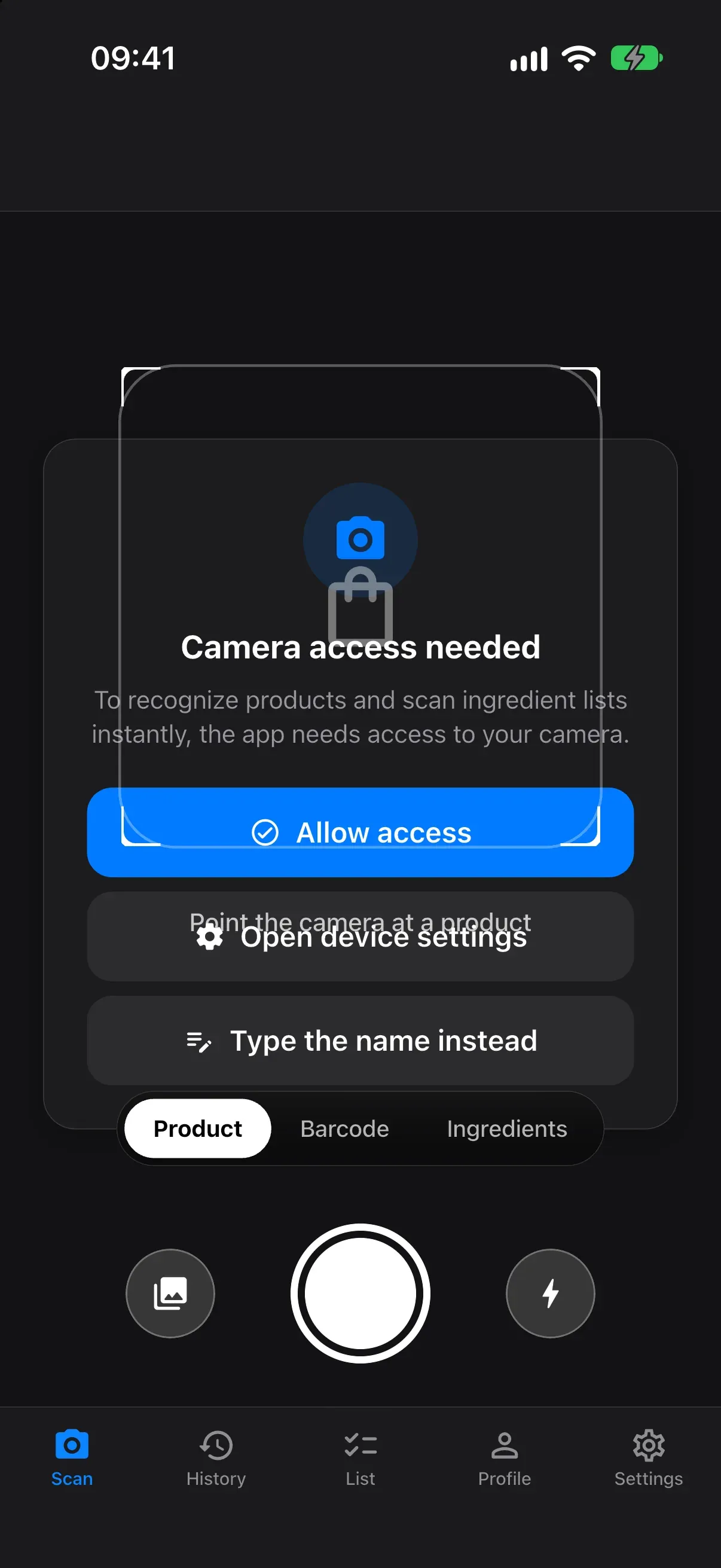
The scanner switches between a product photo, a barcode and an ingredients label, or lets you type a name.
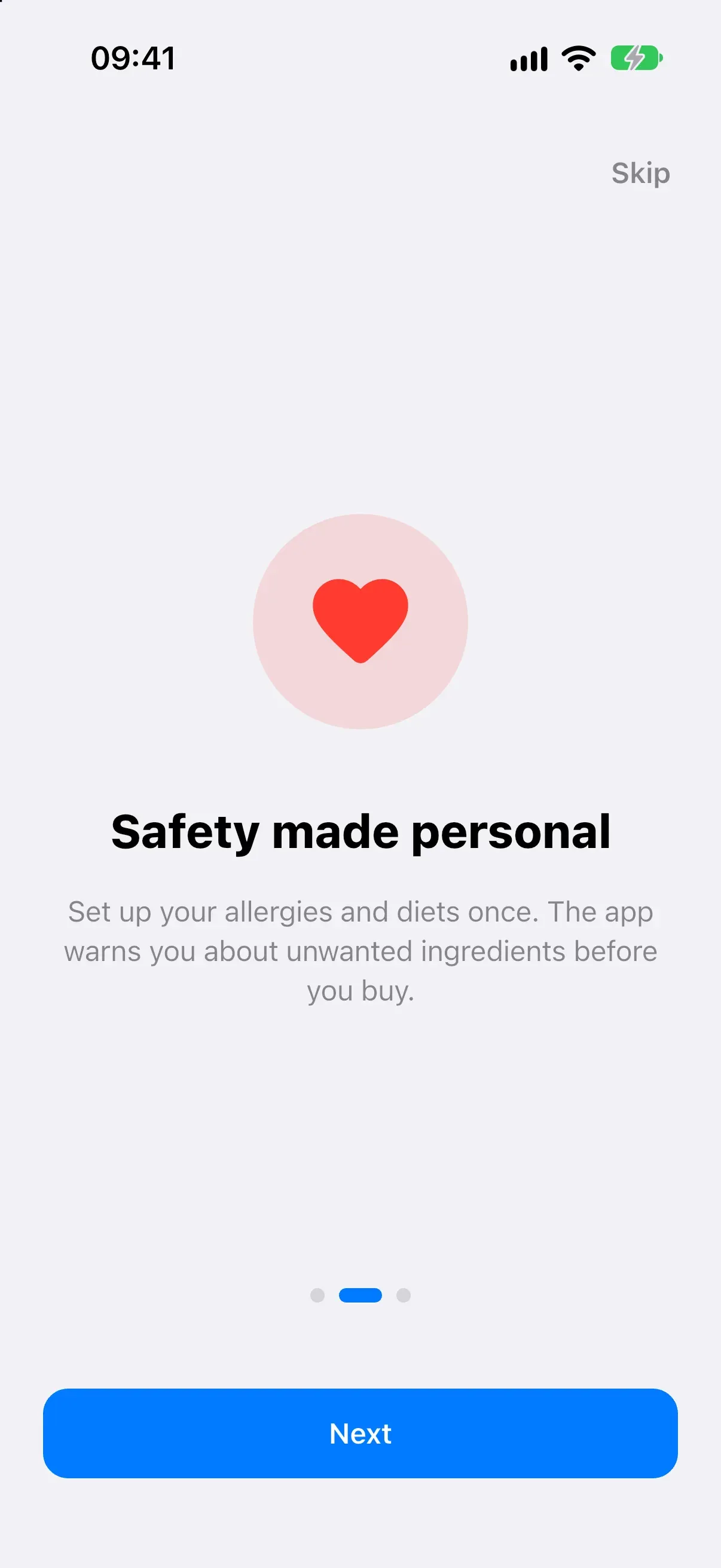
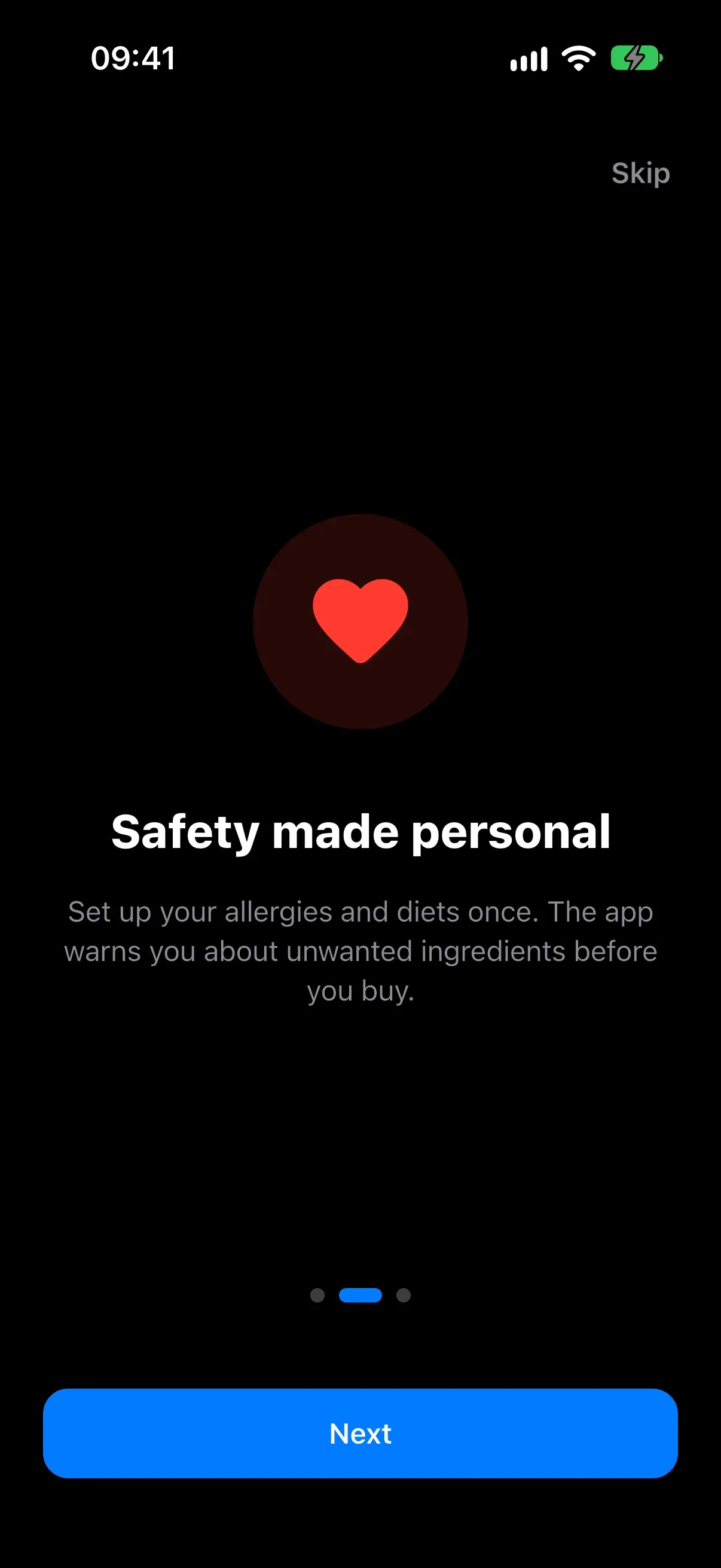
Onboarding explains the idea: set your allergens and diets once, and get warned before you buy.
1 / 4 A product card: the data source on top, a red alert when the product matches your allergens, and calories at a glance.
What it is
You are in a shop, holding a product, and want to know if you should buy it. Take a photo of it, scan the barcode, photograph the ingredients label or just type the name. The app builds a product card for you.
The card shows calories and macros, vitamins and minerals, and how to store and choose the product. It suggests two to four recipes; each recipe has a cooking timer, an estimate of calories per serving and a button that puts the missing ingredients on your shopping list. The nutrition profile is the core: you mark your allergens, your diets (vegan, gluten-free, keto, halal and others) and a daily calorie goal. The profile is sent with every AI request, so the model checks the product against it, and a red banner on the card warns you when the product or its ingredients match one of your allergens.
Photographing the ingredients label pulls out the ingredients and E-numbers and checks them against your allergens on the spot. Everything you scan goes into a history with search and category filters. Two products from it can be compared side by side, and favorites and a shopping list grouped by category round it off.
What I built
A mobile app with four recognition flows and no backend of its own, built together with Vladislav Vasilevskiy and Vyacheslav Miksha. Barcodes are looked up in the open Open Food Facts database, so the card holds real data from the package. Photos, labels and names go to multimodal AI models, called directly from the device through a cascade of providers.
A product card: the data source on top, a red alert when the product matches your allergens, and calories at a glance.
The nutrition profile: allergens, diets and a calorie goal go into every AI request and switch on the red safety banner.
The scanner switches between a product photo, a barcode and an ingredients label, or lets you type a name.
Onboarding explains the idea: set your allergens and diets once, and get warned before you buy.
1 / 4 A product card: the data source on top, a red alert when the product matches your allergens, and calories at a glance.
Technical highlights
- Profile-aware prompts. Versioned prompts ask the model for a strict JSON card: nutrition, benefits and cautions, compatibility with each diet, allergens with a flag for the user’s own, storage, selection tips and recipes. The profile goes into the prompt, and conflicts with it must come first in the cautions. The profile is also part of the cache key, so changing it never returns a stale card.
- Allergens checked locally, not trusted blindly. Whatever the model says, a local matcher with Russian and English aliases for 12 allergen groups checks the ingredients, Open Food Facts allergens and traces again, and its result wins. No match is never shown as a guarantee: the card tells you to check the label.
- Provider cascade. Requests go through allowed models from Gemini, OpenRouter, Groq and Cloudflare in turn, with a shared 90-second budget, a per-error policy (retry, next model or stop), per-minute and per-day quota tracking, a circuit breaker that survives restarts and an attempt log. Replies are validated against a schema; a broken reply triggers a short repair request.
- On-device preparation. Photos are rotated by EXIF, scaled to 1024 px at most and compressed to JPEG quality 80 before upload. Barcodes are scanned on the device with
mobile_scanner. - Honest data. Each card says where its data came from: Open Food Facts, an AI estimate or an AI-read label. Unknown nutrients show as a dash, not as zero, and a comparison refuses to compare values given per different bases. An unknown barcode returns an error instead of a card the model made up.
- Offline queue. A text request made without a connection is saved and replayed when the network returns or the app comes back to the foreground.
- Secrets. API keys live in
flutter_secure_storage; old keys are removed from plain preferences only after a successful migration. - Structure. Feature folders with BLoC and Cubit,
get_itfor dependencies andgo_routerfor five tabs: Scanner, History, List, Profile and Settings. A diagnostics screen shows the model chain, the queue and the breakers. Unit and widget tests run with mocked AI and HTTP.
Result
The app is in stabilization: a written defect audit, the fixes and the tests are done. Android builds are for testing only, and checks on physical devices and iOS builds are still ahead. The code is private because it belongs to a BSUIR study project. The screenshots come from the iOS simulator and show flows that work without AI keys.
My role
Co-author of the app together with Vladislav Vasilevskiy and Vyacheslav Andreevich Miksha, as part of a team project at BSUIR.