JapaneseApp
My personal iOS app for learning Japanese from zero: spaced repetition, kana writing, a calm ink-and-paper interface, and an LLM that reviews my week and tunes the settings.
Closed source
git clone japanese-appAccess denied: the repository is private.Ask me for a demoThe problem
I am learning Japanese without a teacher and wanted one tool that plans each day, schedules reviews and tells me when to stop. It is also where I show my interface design.
How it works
Every day the app offers a 15 to 25 minute plan: kana first, then word lessons with N5 and N4 grammar, reviews scheduled by FSRS-6 and writing practice from tracing to recall. Once a week an LLM reads my study journal and sends settings changes that the app can roll back.
What I did
Product owner and designer: the learning method, the washi-and-ink interface in light and dark themes, and the architecture. The code was written by AI agents in a workflow I ran, with written contracts, frozen tests and a reviewer agent for each task.
Status
A working MVP that I use for my own study. It stays private because the dictionary sources and audio are licensed for personal use, so the page shows screens and no code.
- Role
- Owner: learning design, interface design, architecture
- Period
- 2026
- Status
- In development
- Stack
- Flutter (iOS), Dart, drift, SQLite, fsrs (Dart package), Python 3.12, UniDic, golden tests, multi-agent AI workflow
Key features
- A 15 to 25 minute daily plan: kana first, then 241 word lessons with N5 and N4 grammar
- FSRS-6 reviews on four card types: recognize, listen, recall by typing kana, fill the gap
- Writing practice from tracing to freehand to recall, with stroke order and hints
- Dictionary card for every word: reading, pitch accent, audio, kanji breakdown, Russian mnemonic
- An LLM acts as the teacher: it reviews a weekly journal and sends settings changes that can be rolled back
- Washi paper and ink design in light and dark themes, fully offline
Flip the card to check yourself. In the app, FSRS-6 then decides when you see it again.
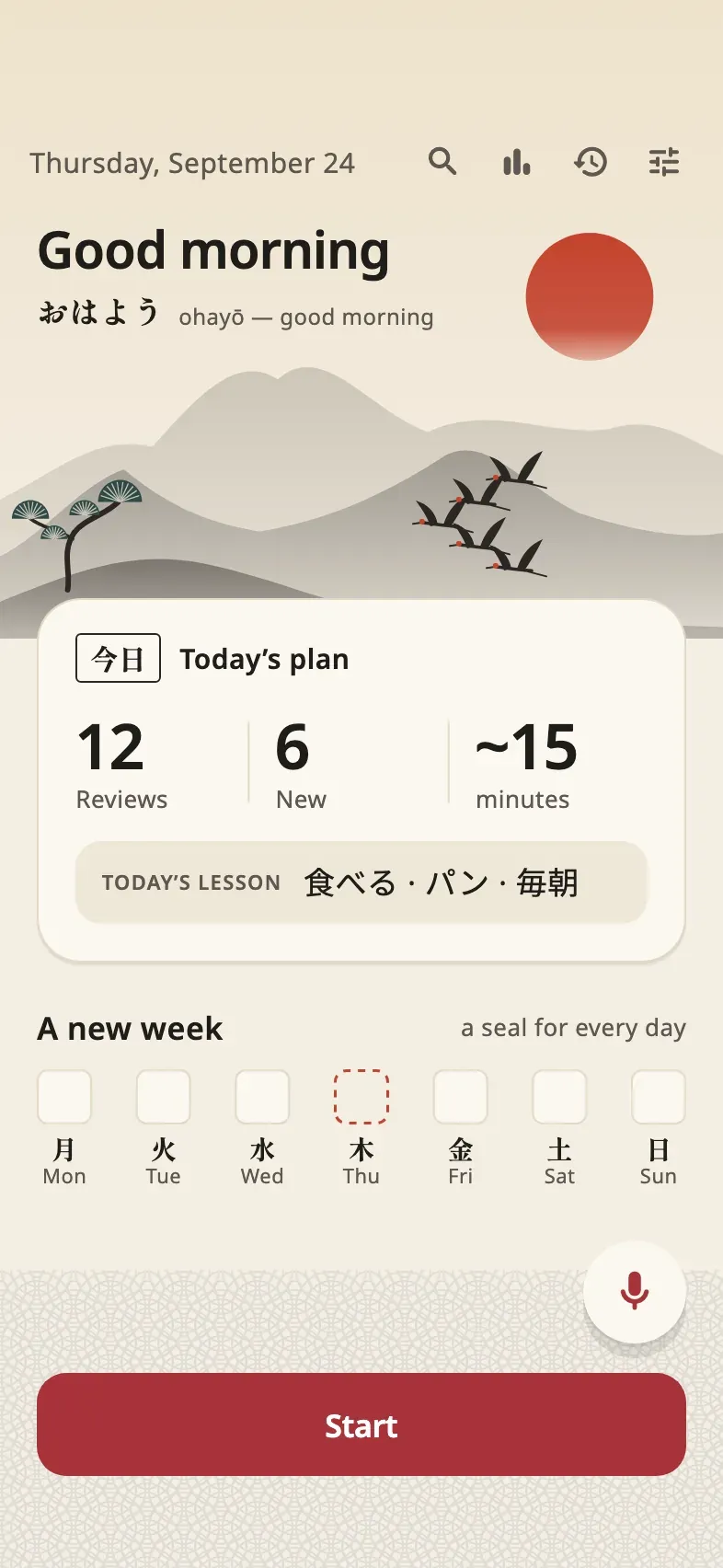
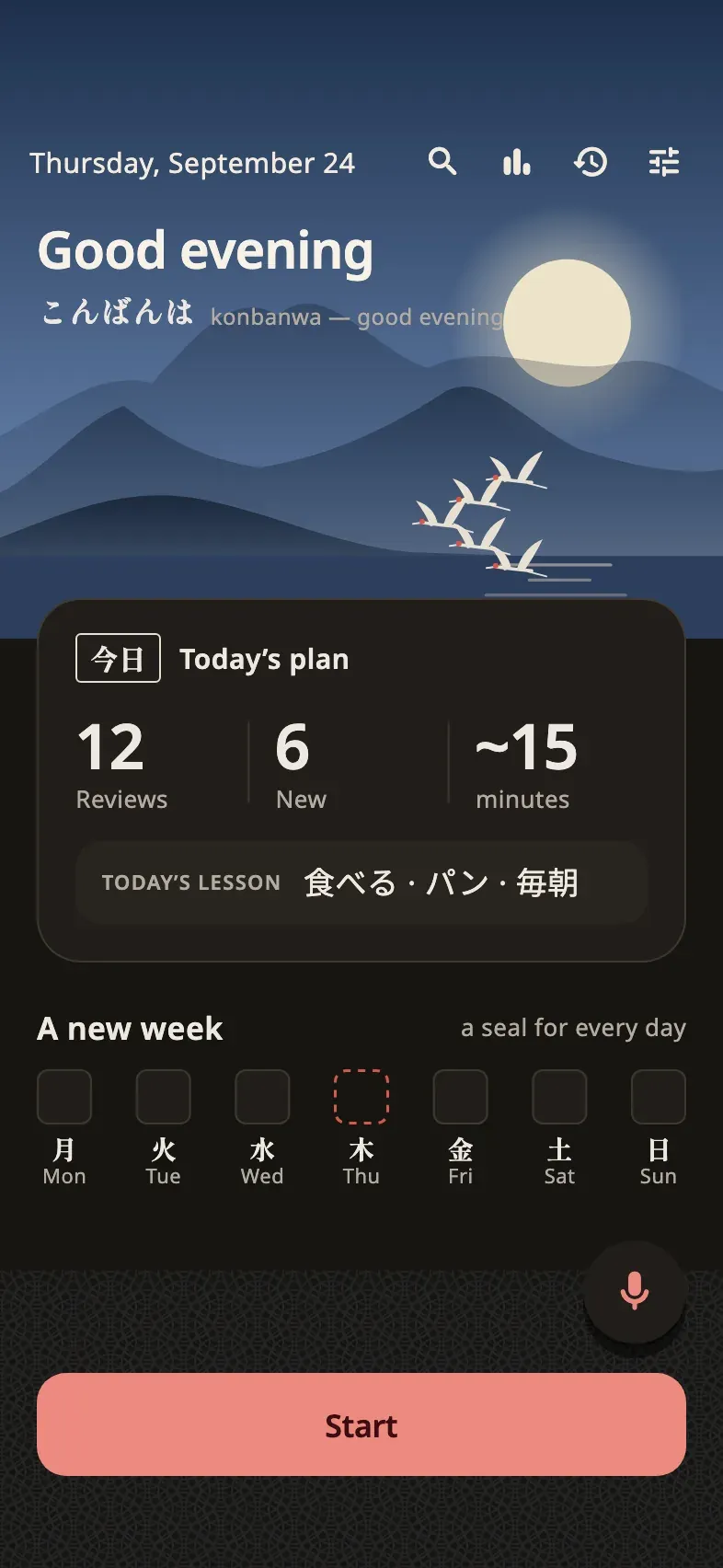
Today: the day's plan at a glance, with reviews, new words and an estimate of the time it takes.
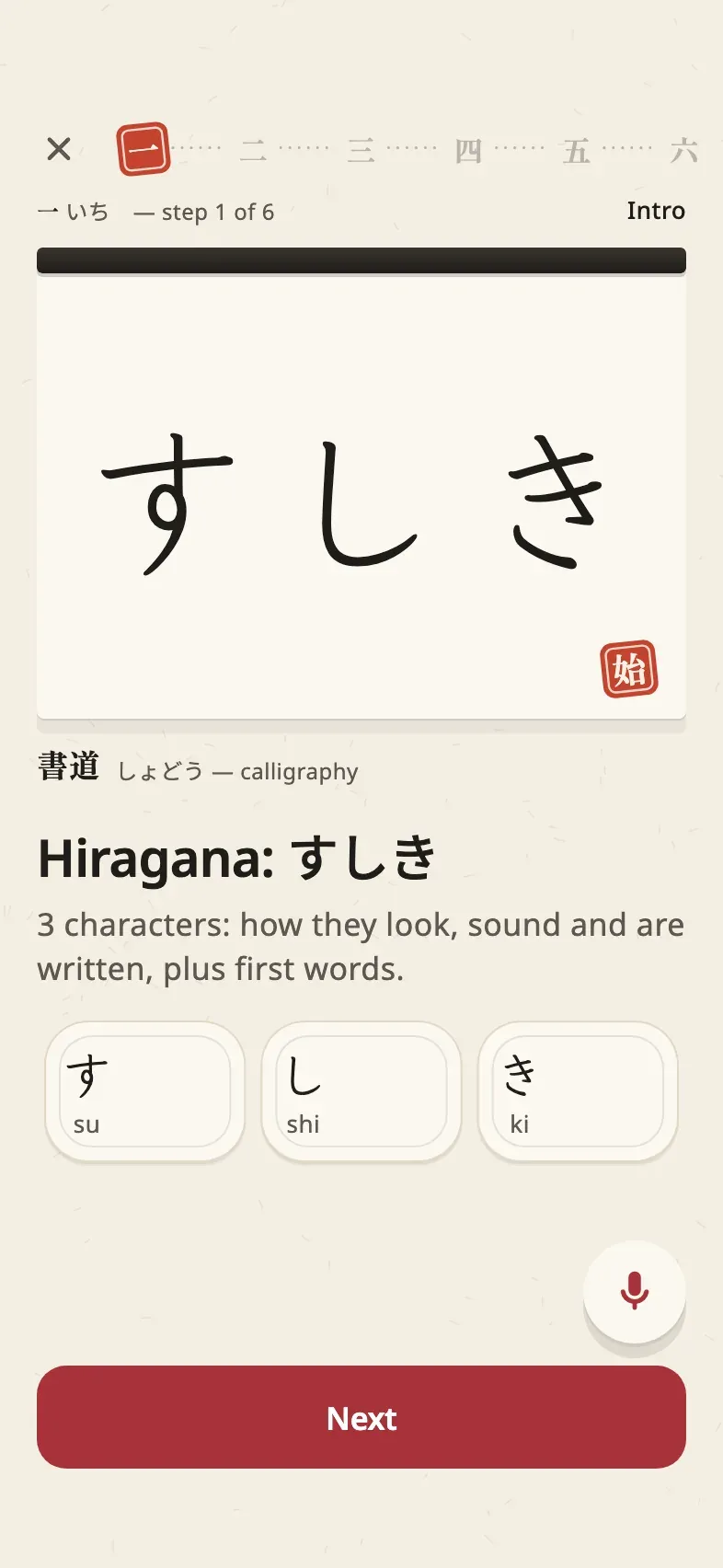
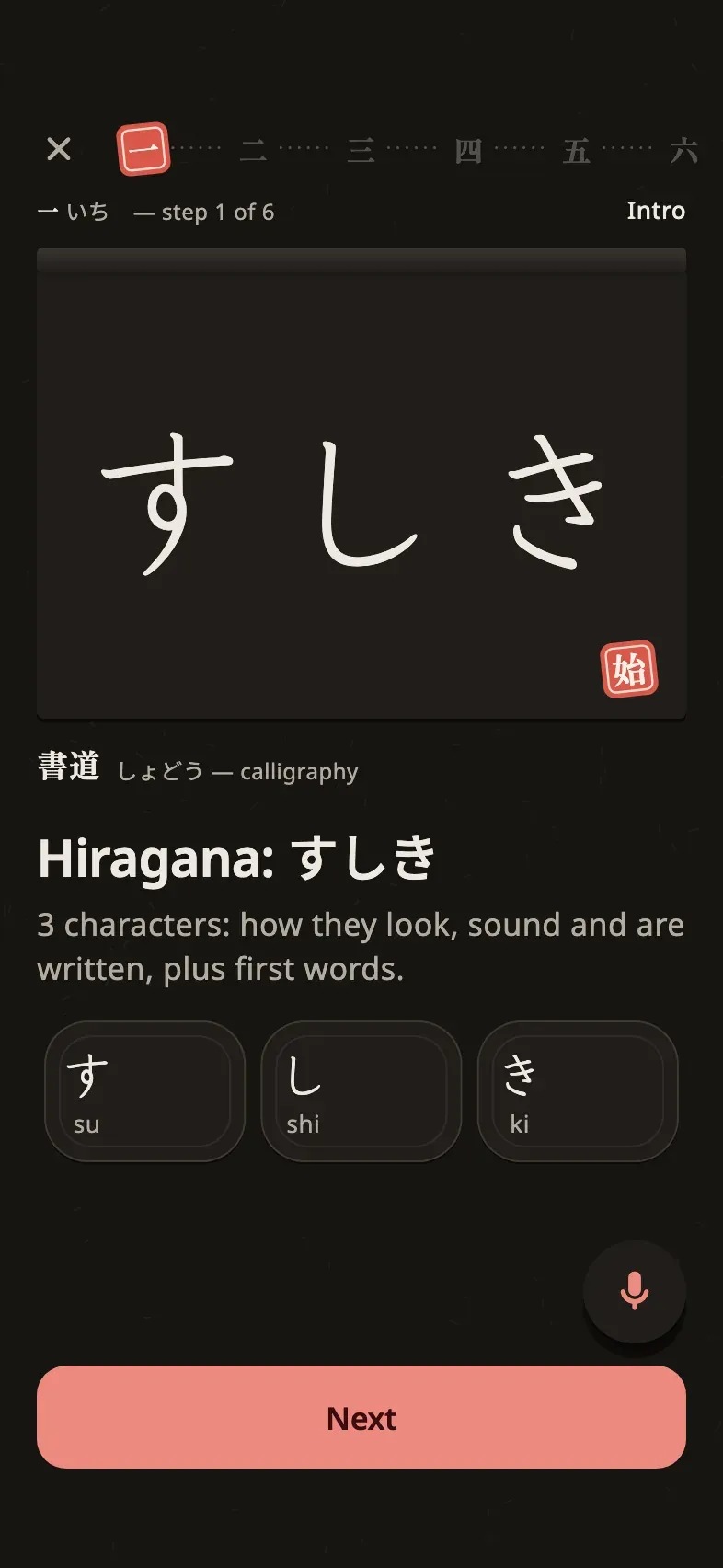
A lesson opens with the new characters on a calligraphy card: what they look like, how they sound, the first words.
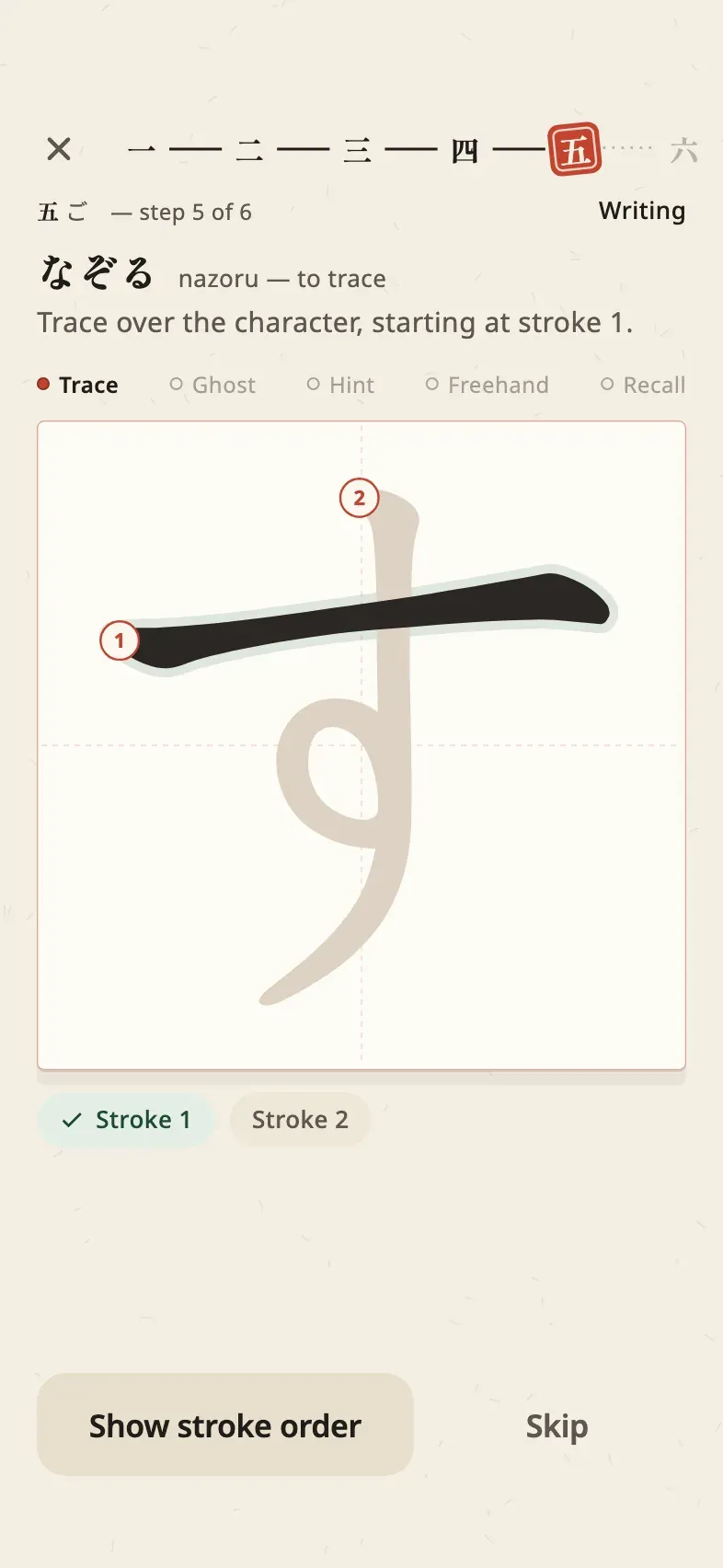
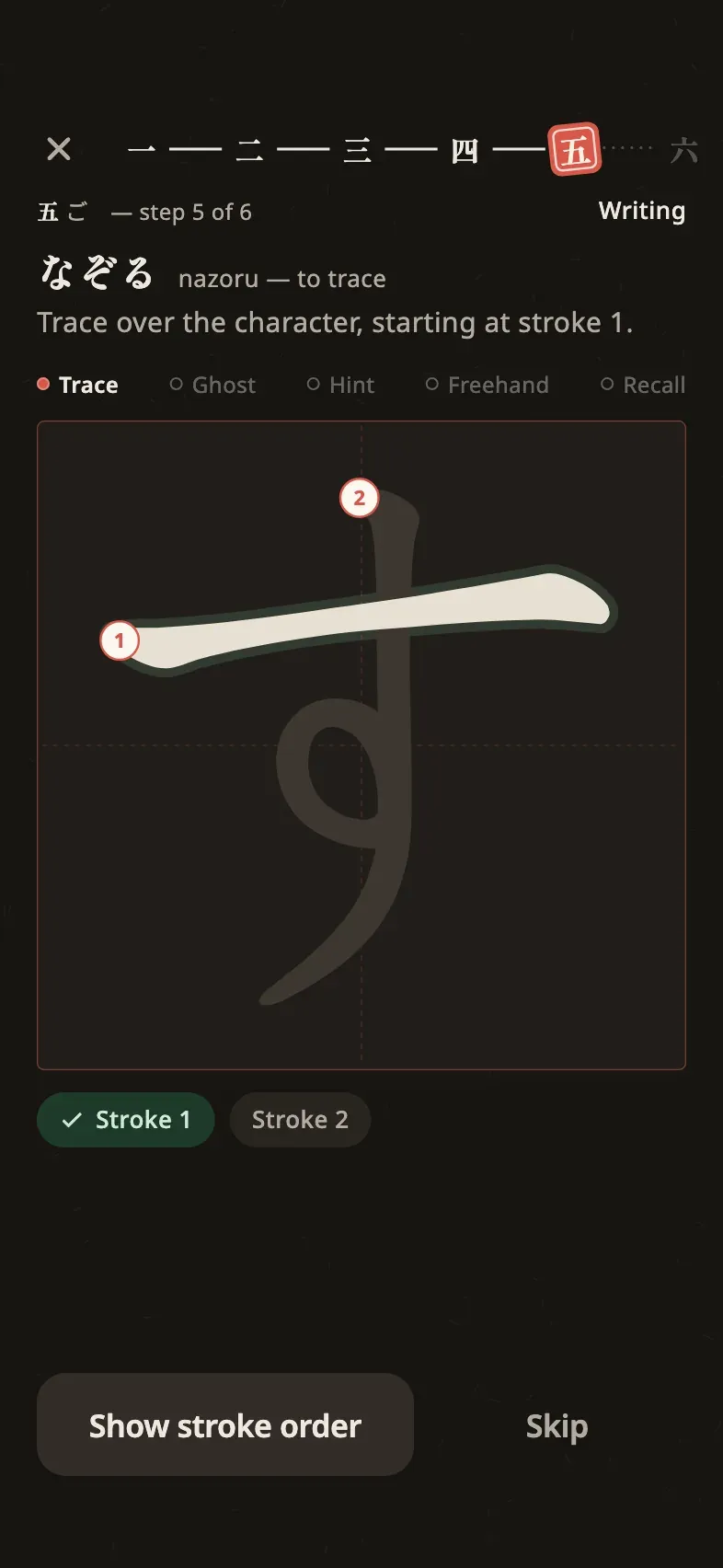
Writing practice: trace each stroke in order, then write with a faint guide, then from memory.
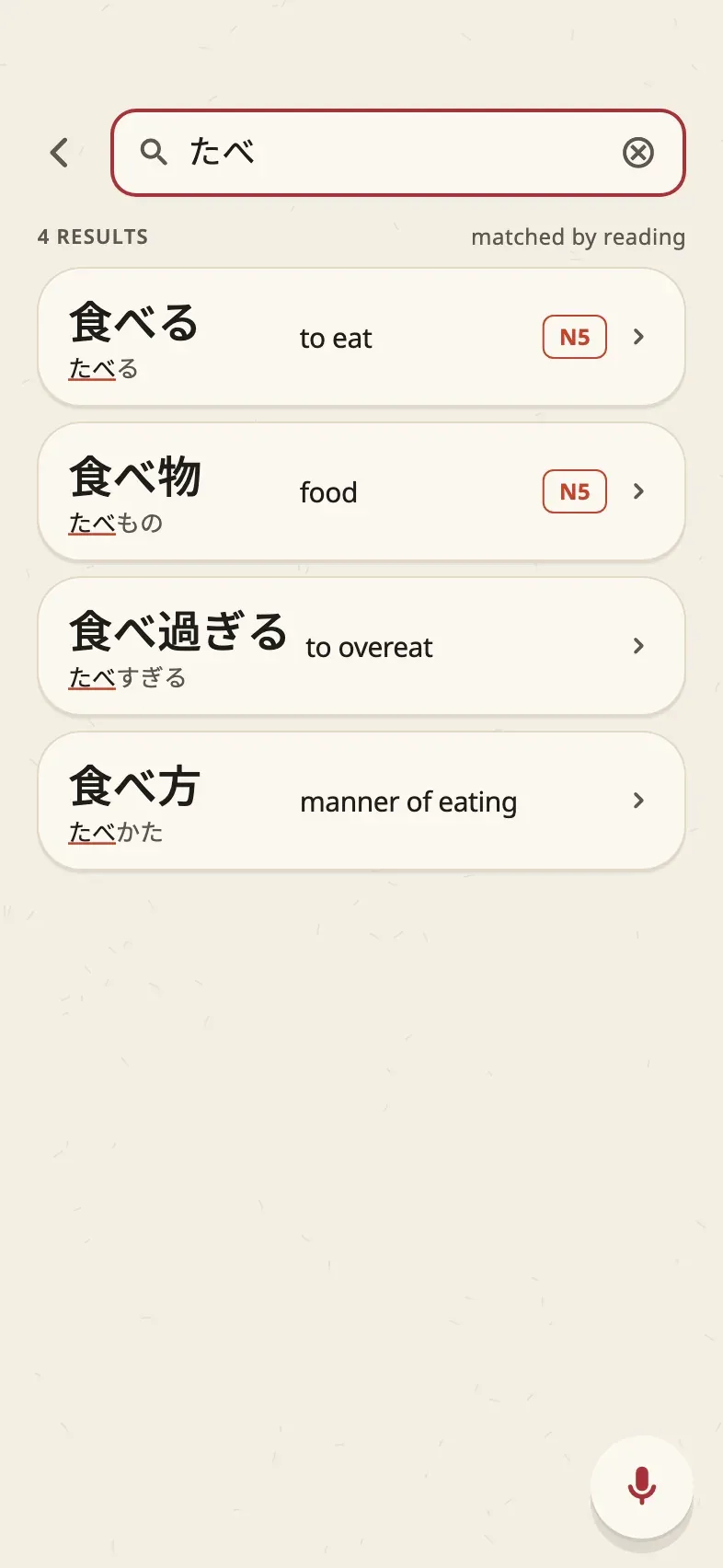
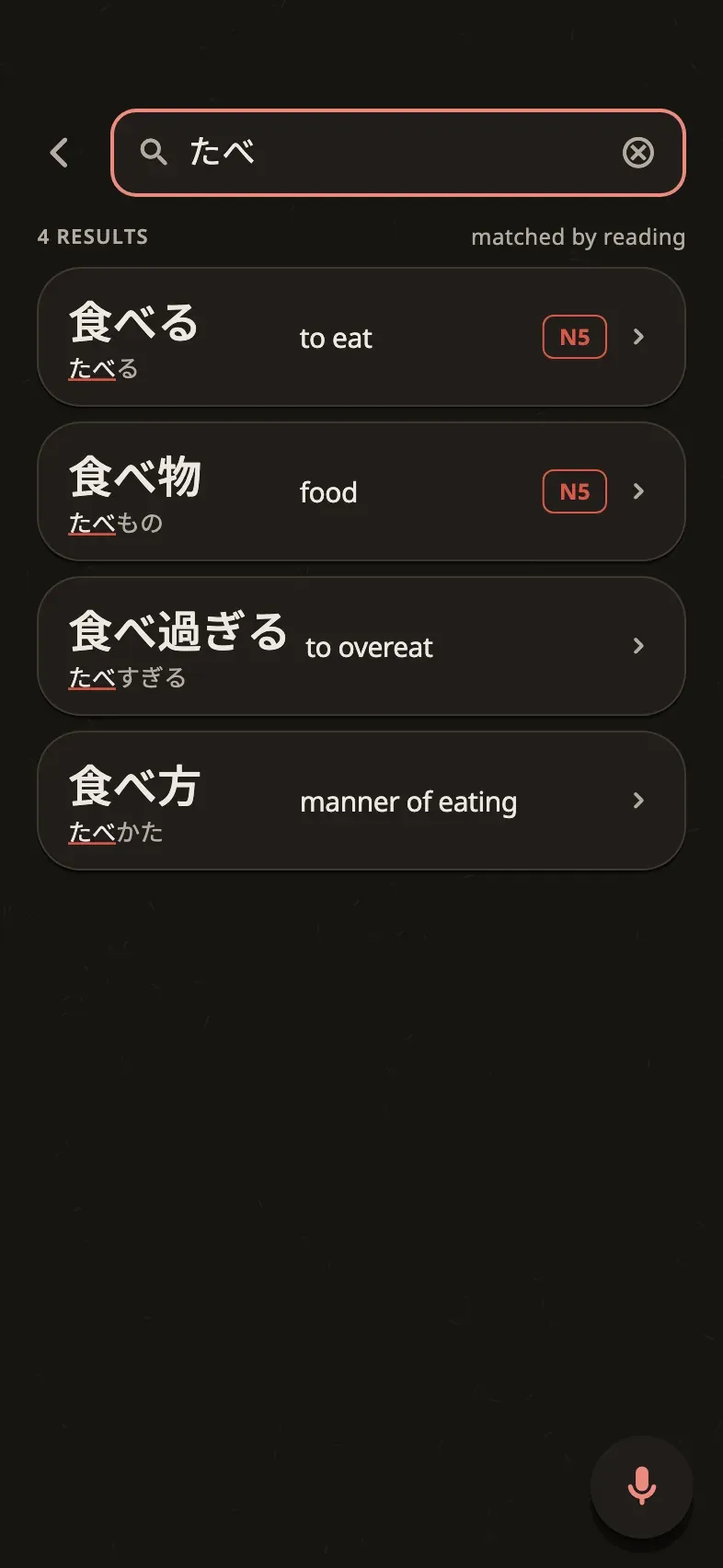
Dictionary search takes kana, kanji, Russian or English and shows the reading and JLPT level of every result.
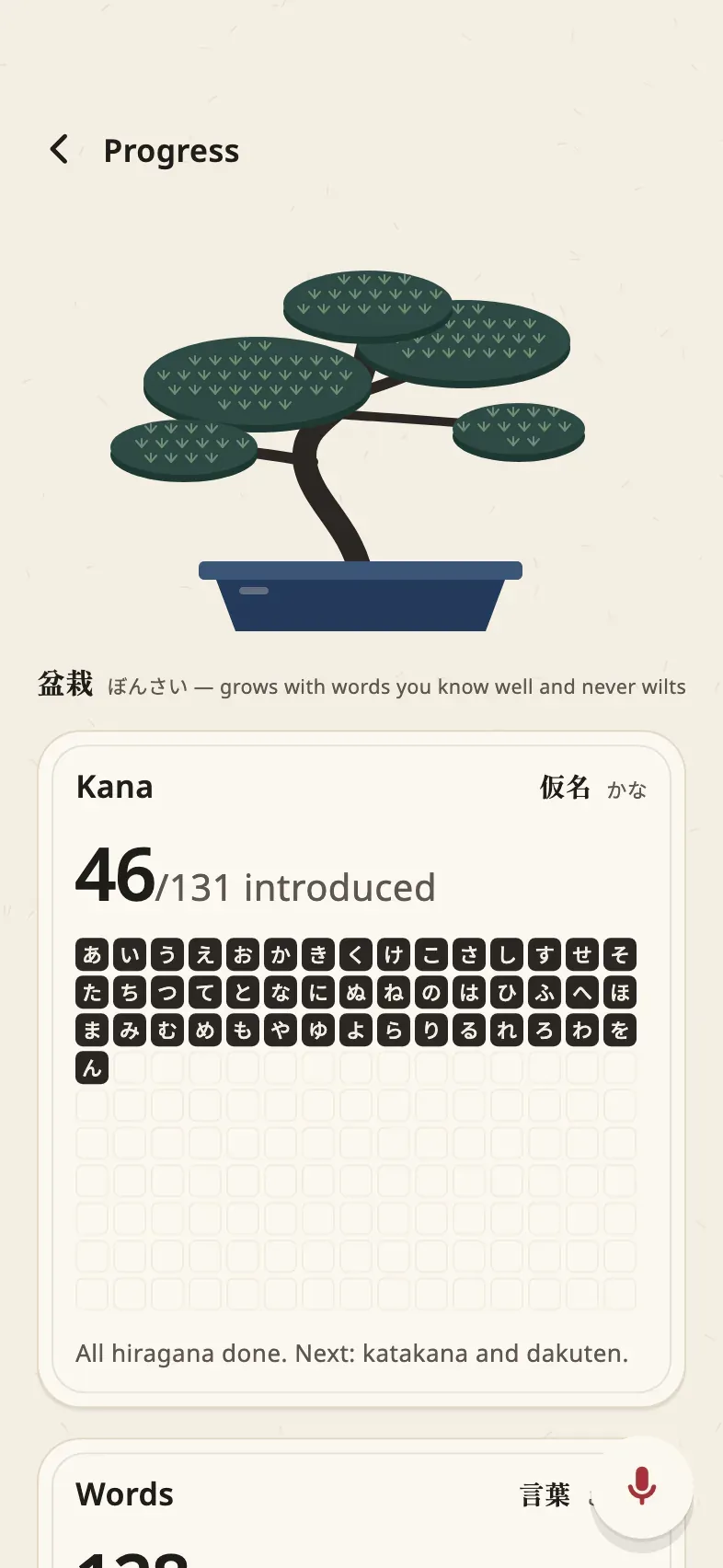
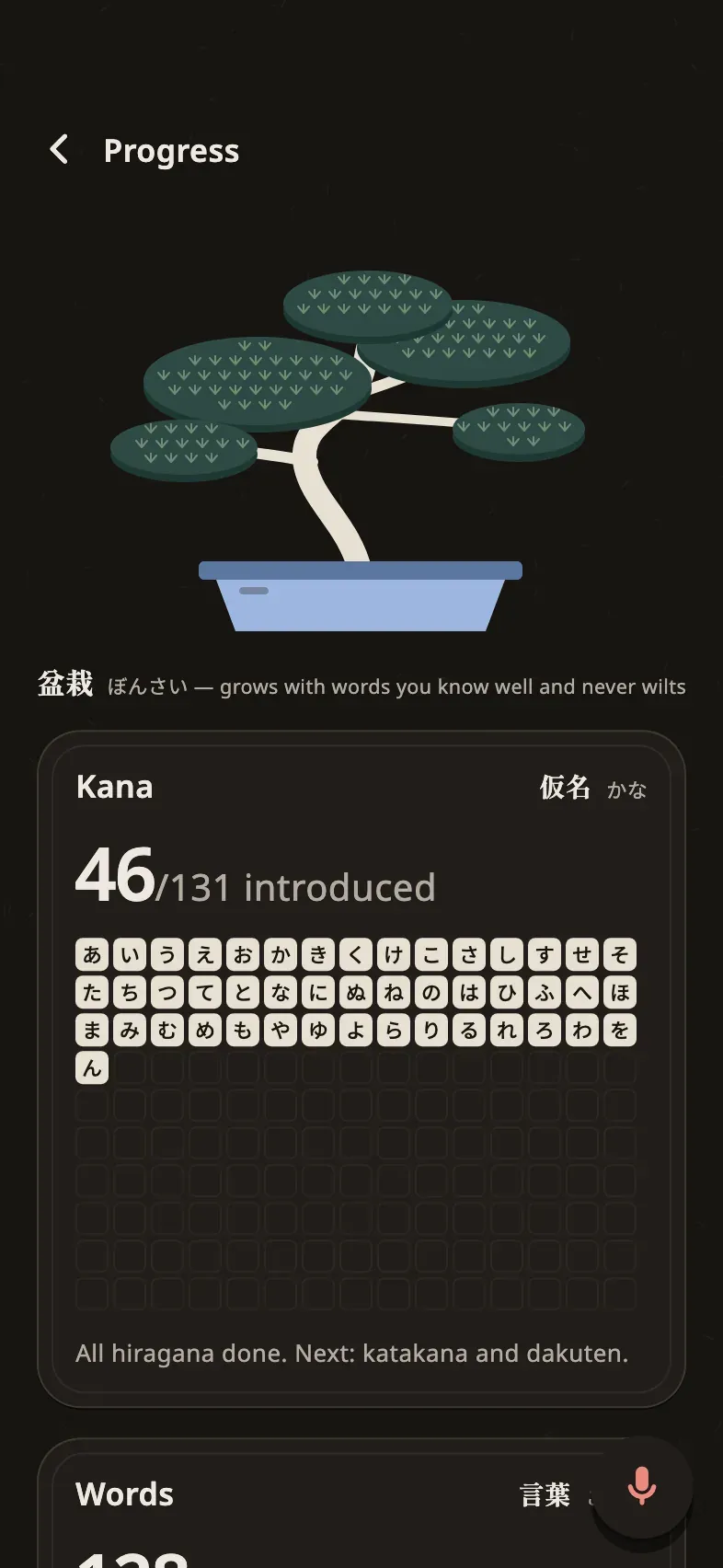
Progress: a bonsai grows with the words you have learned, and a grid shows which kana you have met.
1 / 5 Today: the day's plan at a glance, with reviews, new words and an estimate of the time it takes.
What it is
I am learning Japanese without a teacher, so I built the app I wanted for that. It gives me 15 to 25 minutes of study a day and tells me when the day is done. Hiragana and katakana come first, in 31 lessons where every character appears inside a real word. Then come 241 word lessons in the order of the Kaishi 1.5k deck, with N5 and N4 grammar mixed in and example sentences that add one new thing at a time.
Reviews are scheduled by FSRS-6, the spaced repetition algorithm, across four card types: recognize a word, understand it by ear, recall it by typing kana, and fill the gap in a sentence. Writing practice walks from tracing to freehand to recall. Search opens a full word card with the reading, pitch accent, audio, a kanji breakdown and a mnemonic in Russian.
The teacher’s role goes to an LLM. Once a week the app exports a ZIP of my study journal, voice notes and evening check-ins. The model reads it and sends back a change pack for the settings, which the app applies and can roll back.
What I built
A study system tuned to how I learn, and a showcase of my interface work. The look is washi paper and ink, in light and dark themes, with a live koi pond and a sky on the Today screen that changes with the time of day. Presses react on pointer-down with a spring and haptics. iOS swipe-back works everywhere, reduced motion is respected, and layouts hold up under large Dynamic Type sizes.
Today: the day's plan at a glance, with reviews, new words and an estimate of the time it takes.
A lesson opens with the new characters on a calligraphy card: what they look like, how they sound, the first words.
Writing practice: trace each stroke in order, then write with a faint guide, then from memory.
Dictionary search takes kana, kanji, Russian or English and shows the reading and JLPT level of every result.
Progress: a bonsai grows with the words you have learned, and a grid shows which kana you have met.
1 / 5 Today: the day's plan at a glance, with reviews, new words and an estimate of the time it takes.
Technical highlights
- Fully offline. A Flutter app on iOS with two SQLite databases through drift: read-only content and user progress, so a content update never touches my history.
- Scheduling. Reviews use the open-source
fsrsDart package. Around it I designed a workload thermostat, a recovery mode after breaks and a soft session limit, so a missed week does not turn into a wall of reviews. - Content pipeline. A Python 3.12 pipeline builds the content database from JMdict, KANJIDIC2, the Kaishi 1.5k deck, the Dictionary of Japanese Grammar and UniDic, plus audio and Russian translations.
- LLM in the loop. The weekly export and the change pack have a fixed format, so the model can only change what the app allows, and every change can be undone.
- Multi-agent workflow. Written contracts and frozen tests came first, then an executor agent and a reviewer agent for each task. A check script fails if a frozen file changes.
- Golden tests. Every key screen is rendered in both themes and compared with a reference image. The screens on this page are rendered by the same harness, with demo data.
Result
A working MVP that I use for my own study. It stays private and is not distributed, because the dictionary sources and audio are licensed for personal use. That is why the page shows screens and no code. The app UI is in Russian, the language I learn through.
My role
Product owner and designer: the learning method, the interface and the architecture. The code was written by AI agents in a workflow I ran, where contracts and frozen tests set the bar and reviewer agents checked each task.